
How to Connect Algodocs with Zapier
Follow these steps to create an automated workflow and send your extracted data to hundreds of other apps like Google Drive or Google Sheets.
Step 1: Start the Integration
Log in to your Algodocs account.
Navigate to the Integrations section in the side menu.
Select Zapier from the list of available integrations.
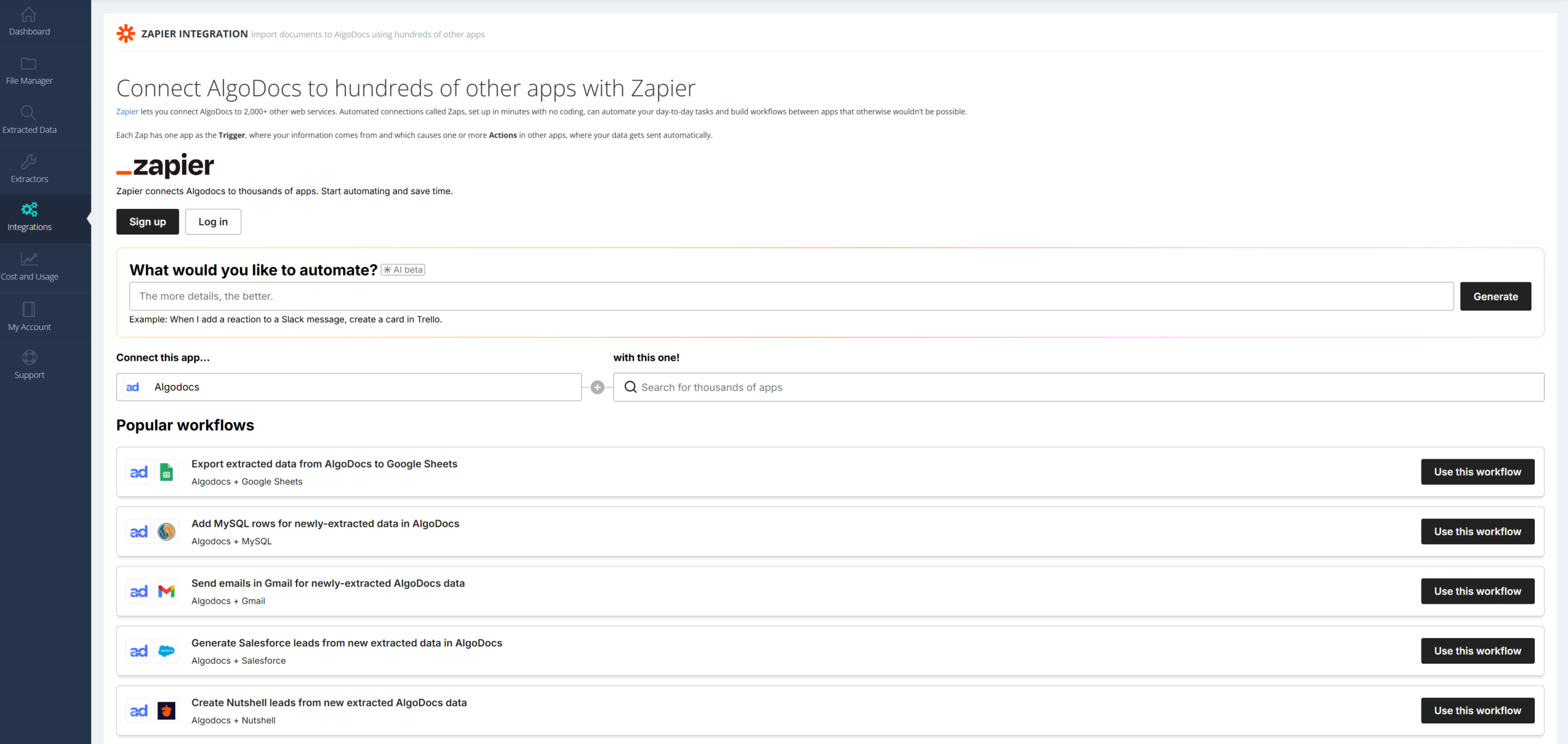
Step 2: Create Your Workflow in Zapier
Log in to your Zapier account.
Click on “Create a Zap” (or Create a Workflow).
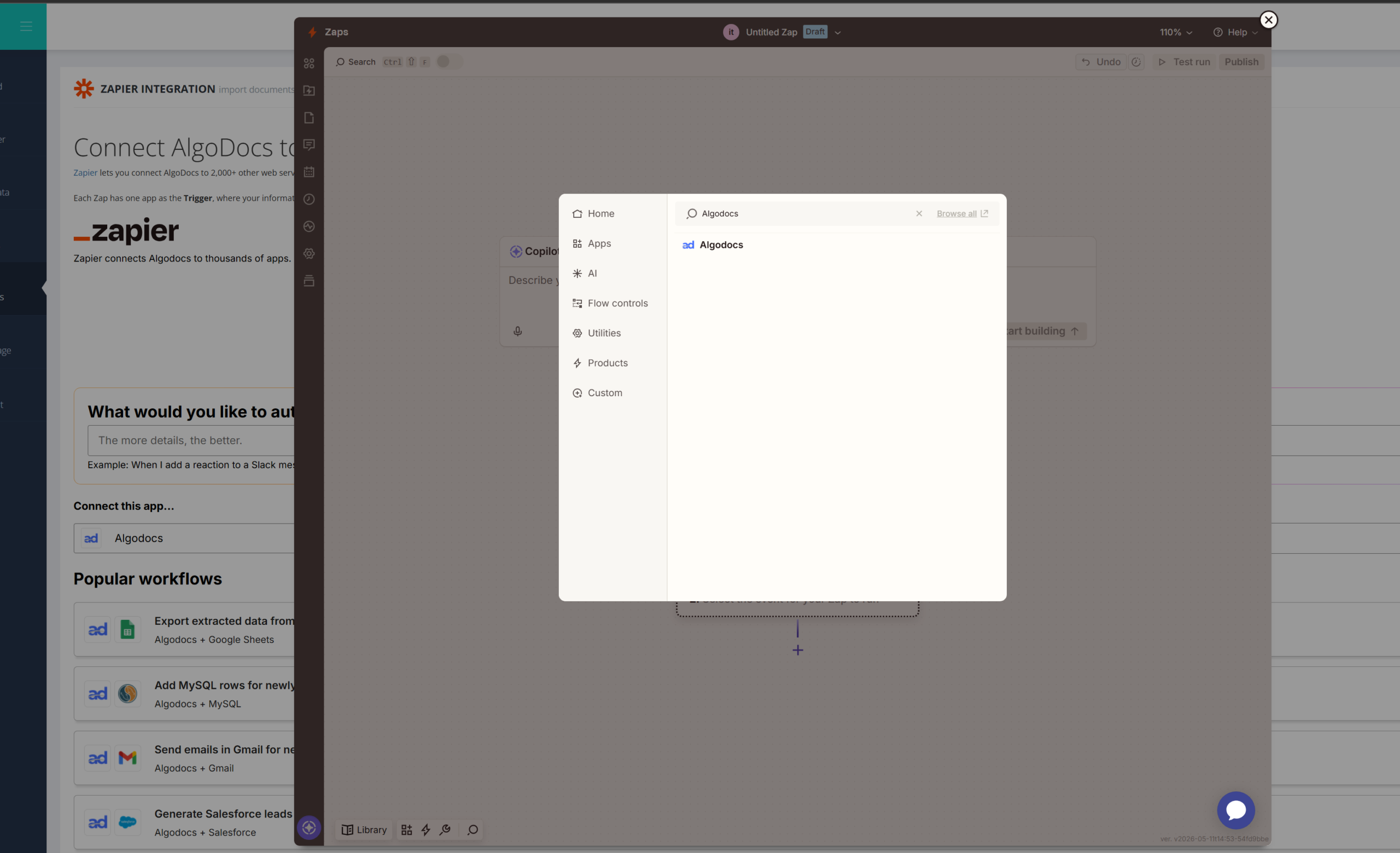
In the Trigger step, search for “Algodocs” and select the Trigger Event (the action that starts the process).
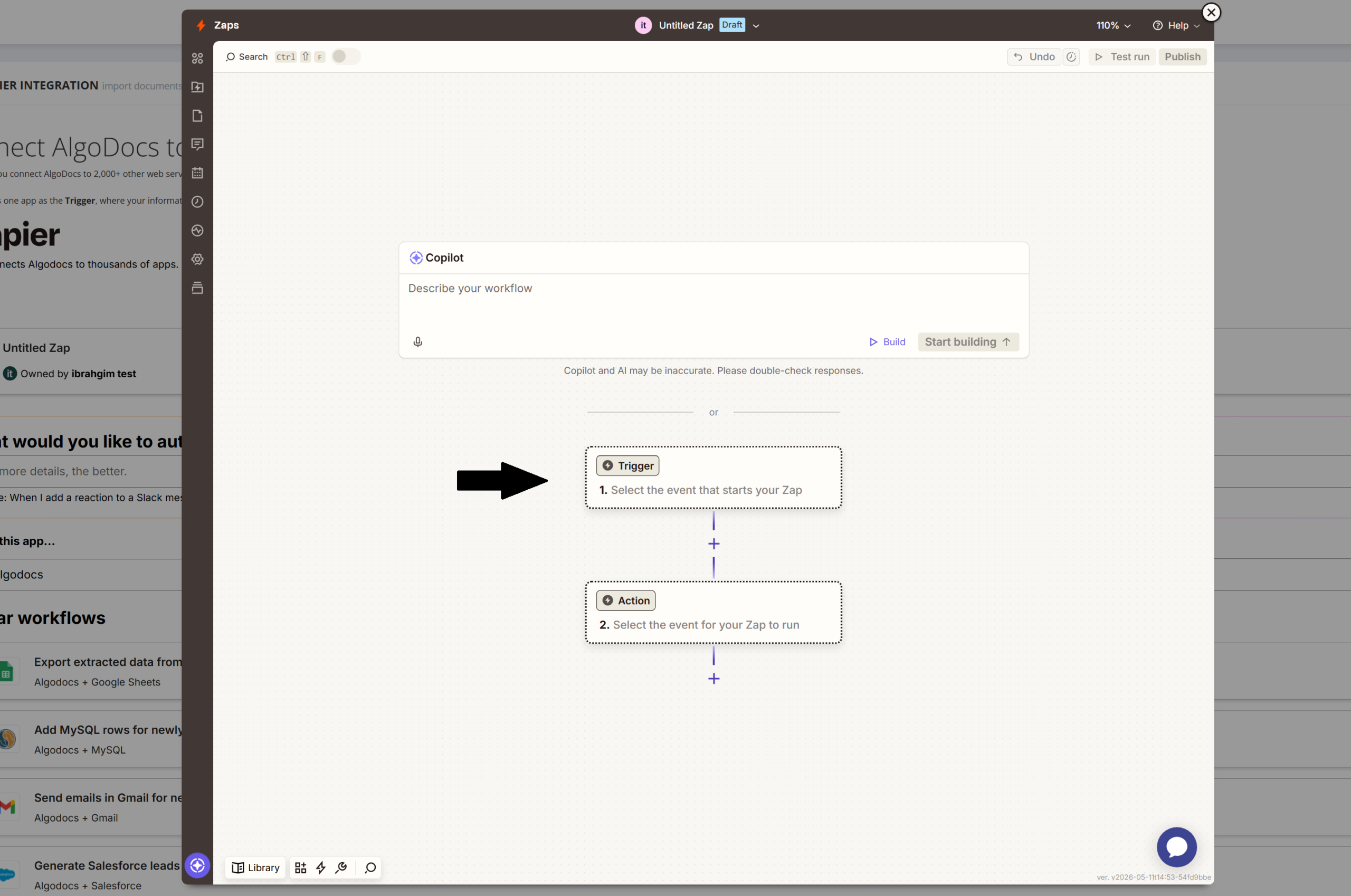
Step 3: Authenticate Your Account
When prompted to connect your account, you will need your API Key.
Go to https://app.algodocs.com/restapi to find and copy your unique API Key.
Return to Zapier, paste the key into the Account connection window, and click Continue.
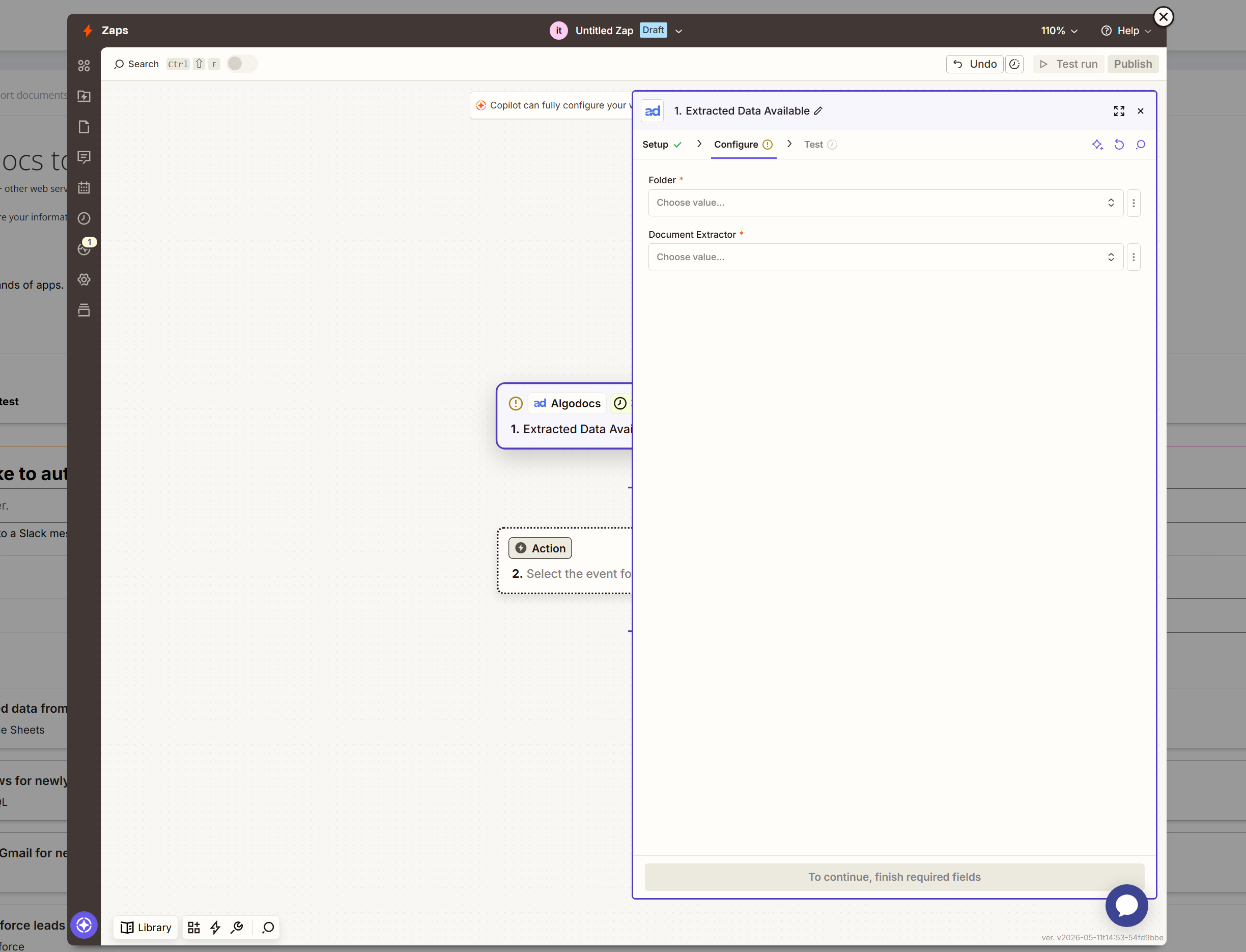
Step 4: Configure the Data Source
Choose the Extractor you want Zapier to monitor.
Select the specific Folder where your documents are located.
Note: You can choose a specific folder for targeted automation or select all folders depending on your needs.
Click Continue and then select Test Trigger to ensure Zapier can see your extracted data.
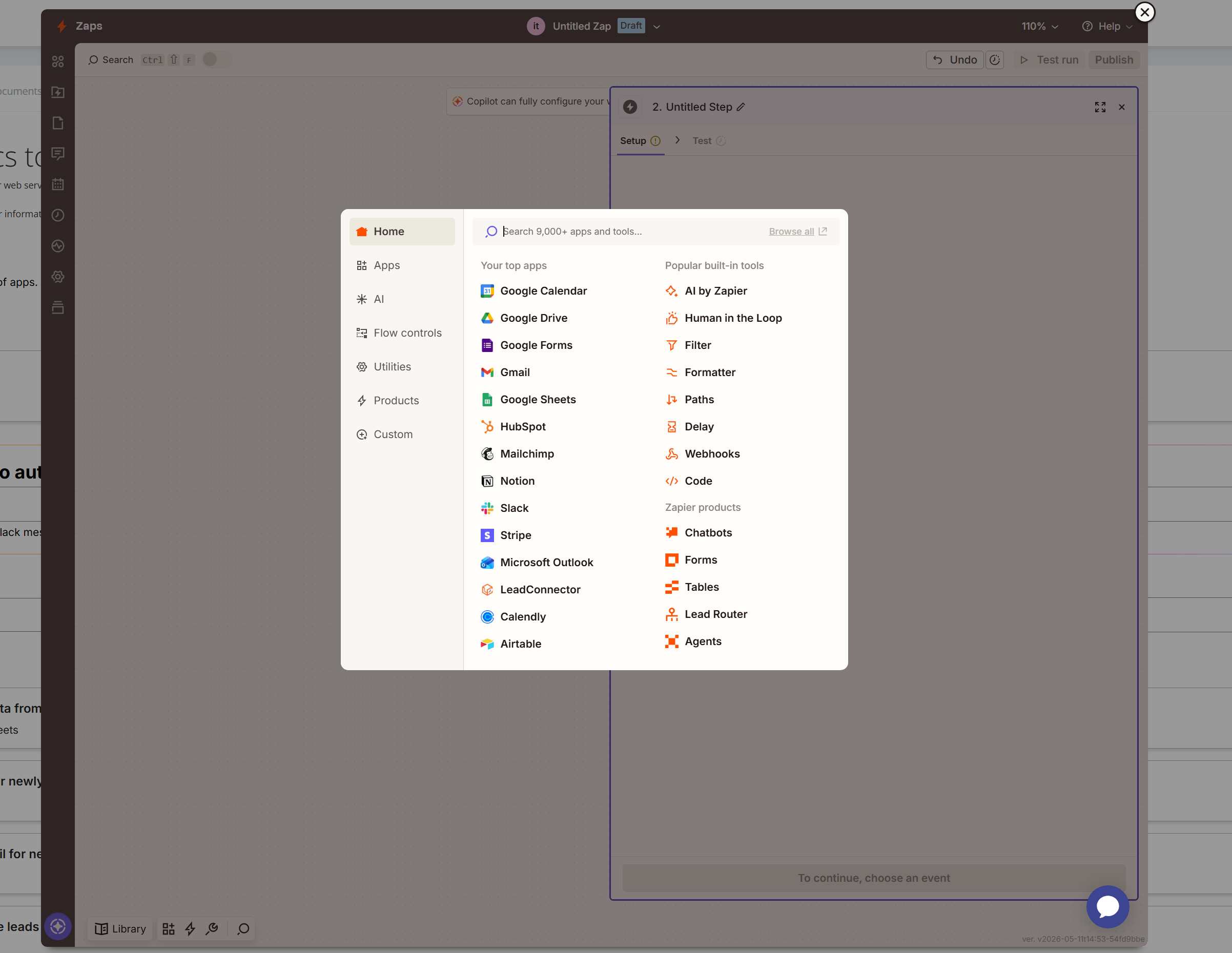
Step 5: Set Up the Action (Destination)
In the Action step, search for the app where you want to send your data (e.g., Google Drive, Google Sheets, etc.).
Choose your Action Event (e.g., “Create Spreadsheet Row” or “Upload File”).
Log in to the selected application to grant Zapier access.
Step 6: Map Your Fields and Test
Fill in the required fields by matching the data extracted from Algodocs to the columns or files in your destination app.
Click Continue and run a Test Action.
Once the test is successful, Publish your Zap to go live!
