Invoice Automation: A Complete Guide For Financial Automation For Your Organization
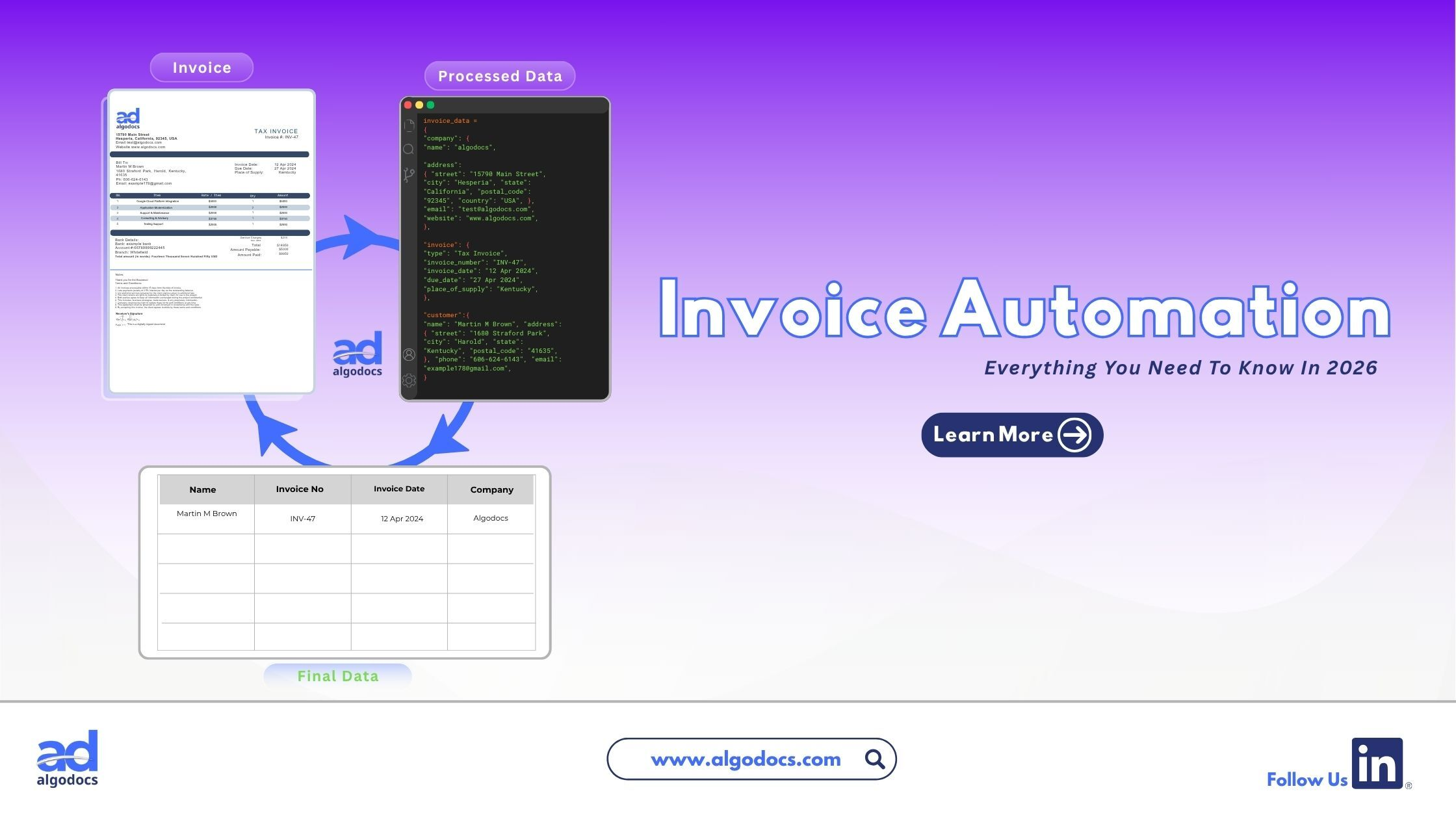
Invoice automation helps businesses handle vendor bills faster by removing repetitive manual work. Managing company finances requires speed, accuracy, and clear tracking. Modern finance teams process hundreds or thousands of bills every month. Doing this work by hand creates slow payment cycles, lost documents, and costly data entry mistakes. This complete guide explains how an automated invoice management system works, why your business needs one, key implementation best practices, and the best platforms available today.
TLDR Summary
- What it is: Invoice automation uses artificial intelligence and software to read, check, approve, and pay vendor invoices automatically.
- Why it matters: Manual invoice processing leads to human error, missed early payment discounts, and slow approval bottlenecks.
- Key benefits: Using invoice automation software reduces processing costs by up to 80 percent, speeds up approval times, and improves cash flow visibility.
- Best practices: Audit your current workflow, clean vendor data, set strict approval rules, and choose software that connects with your accounting platform.
- Top tools: Market leaders include AlgoDocs, Stampli, Tipalti, BILL, Basware, and UiPath.
Finance departments in growing companies often face many challenges, with managing invoices and processing payments being among the most common. Invoice automation using advanced technologies such as IDP and AI provides the best solution to overcome these challenges. As sales increase, the volume of incoming bills grows too. Employees often spend long hours opening emails, typing PDF invoice data into accounting systems, matching receipts, and coordinating with managers for approval. This manual approach slows down operations and increases overhead costs.
Choosing the right invoice automation tool can be a tricky process, as you need to consider many factors before making the right decision. You need to ponder over the technical specifications of the invoice automation tool, cost, feasibility, data privacy, and business needs before choosing the right solution for your organization. In this blog post, we will discuss how to choose the right invoice automation software that caters to your business needs. But before we begin, we first need to understand what an invoice is.
What Is an Invoice?
An invoice is a document sent to a buyer by a seller. It shows the items, services, and goods bought from the seller along with the agreed upon item prices. There is a clear difference between an invoice and a receipt, as the purpose of these two documents is completely different. An invoice is a formal request for payment issued by a seller to a buyer when payment has not yet been made.
What Is Invoice Automation?
An invoice automation solution is a technology that captures, extracts, reads, verifies, approves, and pays supplier invoices with little or no human supervision.
When a vendor sends a bill, the software reads the document automatically. It extracts critical information like invoice numbers, line item prices, vendor names, and tax details. Then, the platform checks these details against your existing purchase orders and bank records to confirm that everything is correct.
Modern automated invoice management systems are built upon different layers of technology, including:
- Optical Character Recognition (OCR): OCR technology converts text from paper documents or electronic PDFs into structured digital data.
- Machine Learning (ML): Machine learning models learn vendor document layouts over time, improving data accuracy with every processed bill.
- Robotic Process Automation (RPA): Software bots handle repetitive steps such as transferring data into your main business accounting software.
- Artificial Intelligence (AI): AI identifies unusual activity, flags potential fraud, and routes unexpected exceptions to human staff for quick review.
How To Use Invoice Automation For Invoice Processing & Management
An invoice automation solution can handle the entire path of a bill from receipt to final payment with little or no human intervention. Here are the primary functions across different departments:
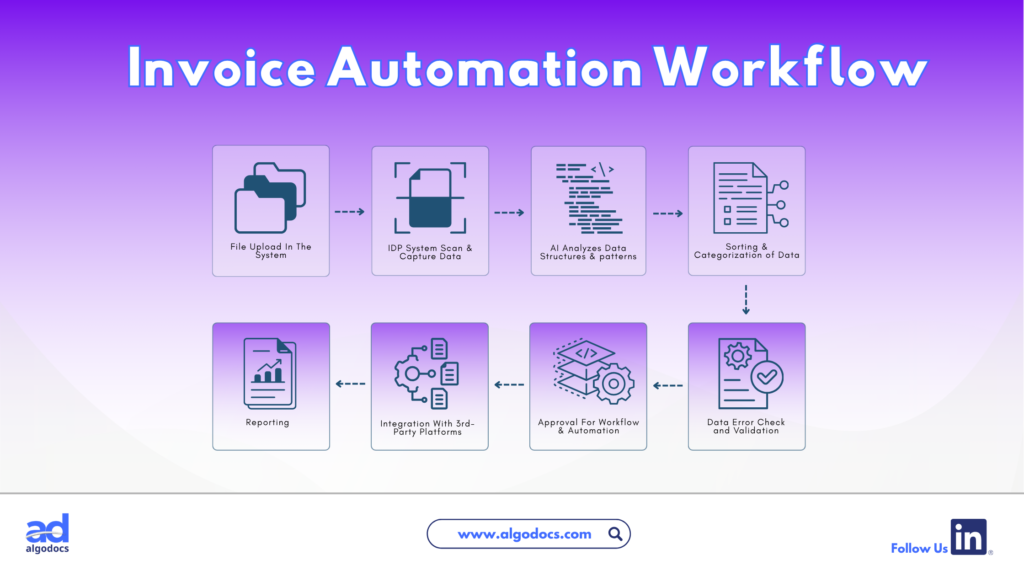
- Digital Invoice Capture: Invoices arrive in many formats, including paper mail, scanned PDF documents, email attachments, vendor web portals, and electronic files. The system collects all these documents in one central digital hub, eliminating lost paperwork.
- Intelligent Data Extraction: Instead of an employee reading and typing line items manually, an automated invoice processing system reads the file instantly. It extracts dates, item totals, payment terms, and vendor banking details with high accuracy.
- Automatic PO Matching: The system checks bill details against internal records. It performs two way matching by comparing the invoice to the purchase order. It also performs three way matching by comparing the invoice, purchase order, and receiving receipt to ensure goods were delivered before payment goes out.
- Smart Approval Routing: Once data matches, the system sends the digital bill to the relevant department for signoff based on company rules. Approvers receive notifications in their system and can check all data before providing final approval for billing.
- Accounting System Synchronization: Once the data is approved by the relevant department, the extracted invoice syncs with the internal billing system for payment verification. After billing is completed, the seller receives a payment notification. The final data is then stored on the organization’s local or cloud server for future reference.
Why Use Invoice Automation for Business Needs
Every business needs tight control over cash flow and operational expenses. Manual accounts payable work creates hidden costs that harm business growth. Here is why companies turn to invoice automation to solve urgent operational needs:
Key Fact: Processing a paper invoice manually costs an average of $12 to $15 per bill. Implementing an automated invoice processing system cuts that cost down to less than $3 per invoice while speeding up approval times by over 70 percent.
Preventing Costly Human Errors
Manual data entry and extraction are costly processes. A common typographical error can lead to overpayments, incorrect tax calculations, or paying the same bill twice, wasting significant company funds. Automated verification checks prevent duplicate invoice processing and payment approval before money leaves the account.
Protecting Against Fraud
Financial fraud in corporate spaces is common and hard to track when invoices are processed manually without tight supervision. Scammers often send fake vendor bills to trick organizations into paying unapproved sellers. Automation software checks bank account details and vendor IDs against approved databases to prevent fraudulent payouts.
Eliminating Payment Delays
When a bill goes through manual verification, processing can get delayed due to an overwhelming number of existing invoices. This turns payment verification into a lengthy process. Late payments lead to vendor late fees and damaged business relationships. Automated routing sends reminders, so approvals happen on schedule.
Scaling Operations Without Adding Staff
As your business sells more products, incoming invoices increase. Without proper invoice automation software, you must rely on manual invoice processing, which requires extra labor to extract and process invoice documents. Automation lets your existing finance team handle five times more invoice volume without extra labor.
Invoice Automation Best Practices
To get the best return on investment from an invoice automation solution, keep the following points in mind during implementation:
- Step 1: Audit your existing workflow: Map out how your business currently handles incoming bills. Identify where delays occur, who approves purchases, and how long processing takes from start to finish.
- Step 2: Clean your vendor database: Remove duplicate vendor profiles from your accounting system. Update vendor addresses, tax identification numbers, and payment details to ensure smooth data matching.
- Step 3: Define strict approval policies: Set clear spending thresholds and approval rules. For example, specify that department heads can approve bills under $5,000, while larger amounts require CFO signoff.
- Step 4: Select compatible software: Choose dedicated software for invoice processing that connects directly with your current ERP or accounting system through prebuilt integrations.
- Step 5: Train your finance team: Show your staff how to review exceptions flagged by the software. Teach vendors how to send digital invoices directly to your new system email portal.
- Step 6: Track performance metrics: Monitor processing cycle times, cost per invoice, and exception rates. Use dashboard reports to fine tune your workflow over time.
Benefits of Using Invoice Automation Software
Adopting modern invoice automation software can truly transform financial operations. The core benefits include:
- Dramatic Time Savings: Approval cycles drop from weeks to hours, allowing staff to spend more time on strategic financial planning and decision making instead of manual typing.
- Lower Operational Costs: Labor, operations, printing, and storage expenses put a huge strain on financial growth. With invoice automation software, these expenses drop significantly, improving overall workflow across the organization.
- Better Cash Flow Visibility: Manual invoice processing takes time and goes through multiple verification steps, which slows down cash flow visibility. With invoice automation software, finance leaders can view all pending and approved bills in real time on central dashboards to forecast cash needs accurately.
- Early Payment Discounts: Fast invoice processing allows companies to take advantage of supplier discounts for early payment. This builds vendor trust and saves costs across various invoice processing pipelines.
- Audit Readiness: Every action, approval, and document edit creates a permanent digital audit trail. This record keeping makes tax season and compliance reviews simple.
Best Invoice Automation Software
Choosing the right platform depends on your company size, ERP system, and invoice volume. Here is a comparison of top tools available on the market today:
| Software Name | Best For | Key Features | Main ERP Integrations |
| AlgoDocs | Businesses needing automated document data extraction | AI powered OCR, multi format extraction, automated workflows | Zapier, REST API, custom integrations |
| Stampli | Mid market businesses wanting fast setup | AI assistant, 3 way PO matching, vendor communication portal | NetSuite, Sage, SAP, QuickBooks |
| Tipalti | Global enterprises and multi entity companies | International payouts, tax compliance, global FX handling | NetSuite, QuickBooks, Sage Intacct |
| BILL | Small to medium businesses | Simple bill pay, customer invoicing, basic approval routes | QuickBooks, Xero, Sage Intacct |
| Basware | Large enterprises with complex supply chains | High straight through processing, electronic invoicing compliance | SAP, Oracle, Microsoft Dynamics |
Platform Overview
AlgoDocs
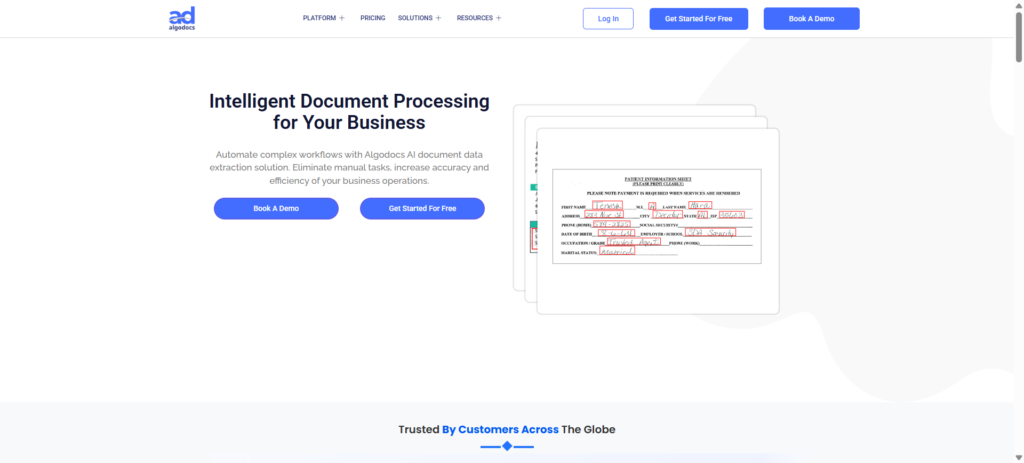
Uses artificial intelligence and intelligent document processing (IDP) to extract data from complex or unstructured invoice documents. It routes files through automated workflows and connects with enterprise systems using APIs and Zapier.
Stampli
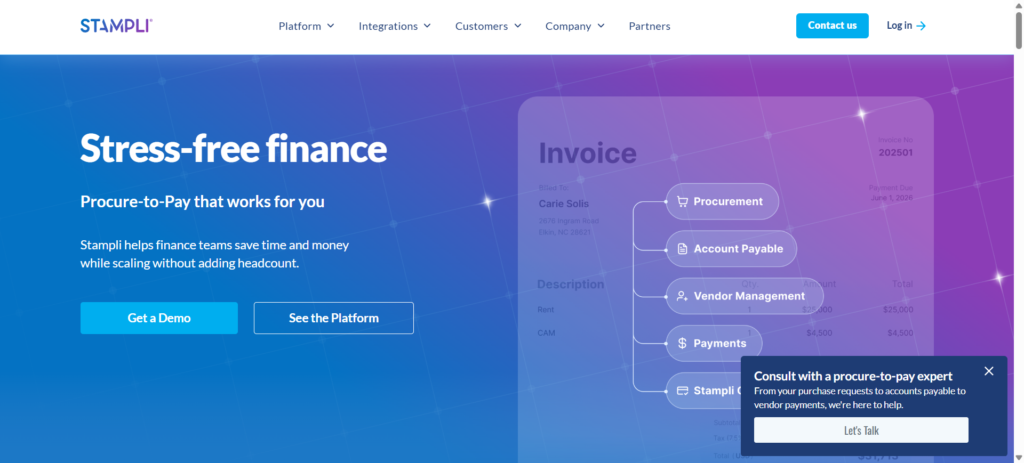
Focuses heavily on accounts payable user experience. Its built in AI assistant helps match invoices with purchase orders while keeping conversations centered on each bill.
Tipalti
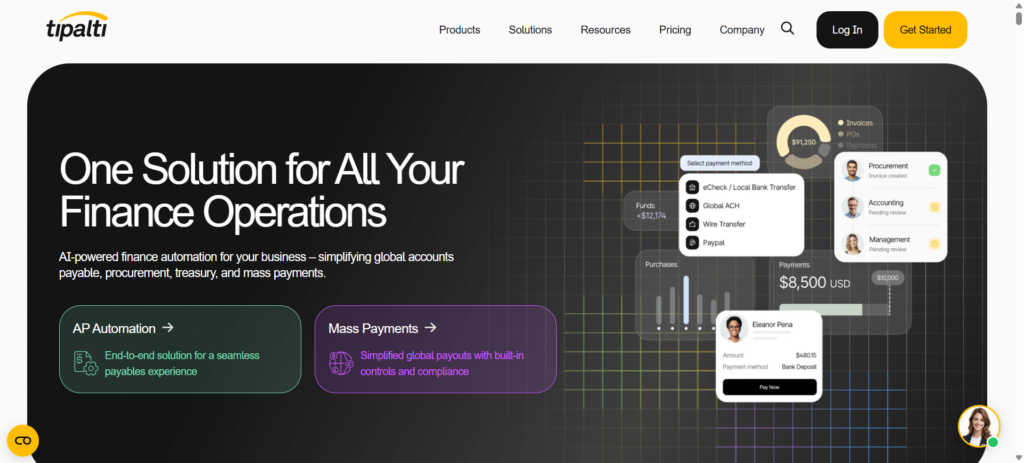
Designed for companies paying suppliers across multiple countries. It handles foreign currency exchange, tax forms, and international regulatory compliance automatically.
BILL
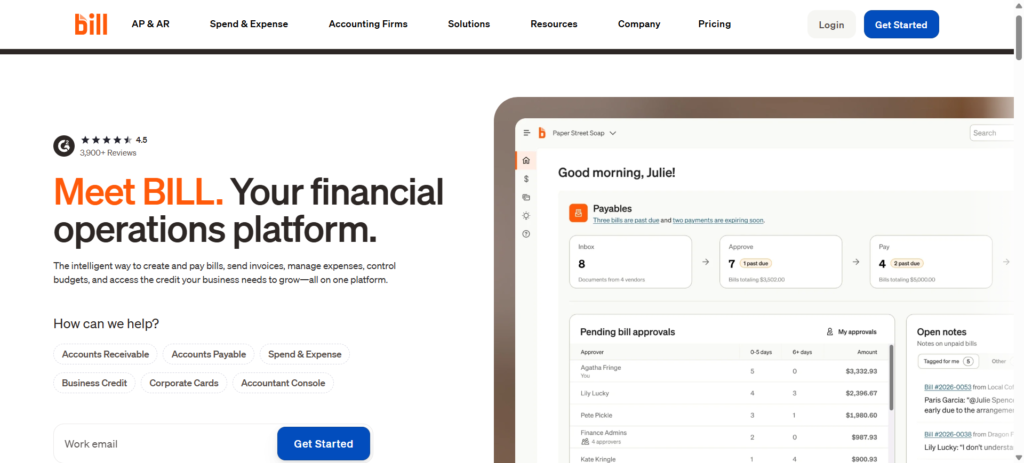
An easy to use cloud tool ideal for growing SMBs looking to replace paper checks and manual approvals with clear digital steps.
Basware
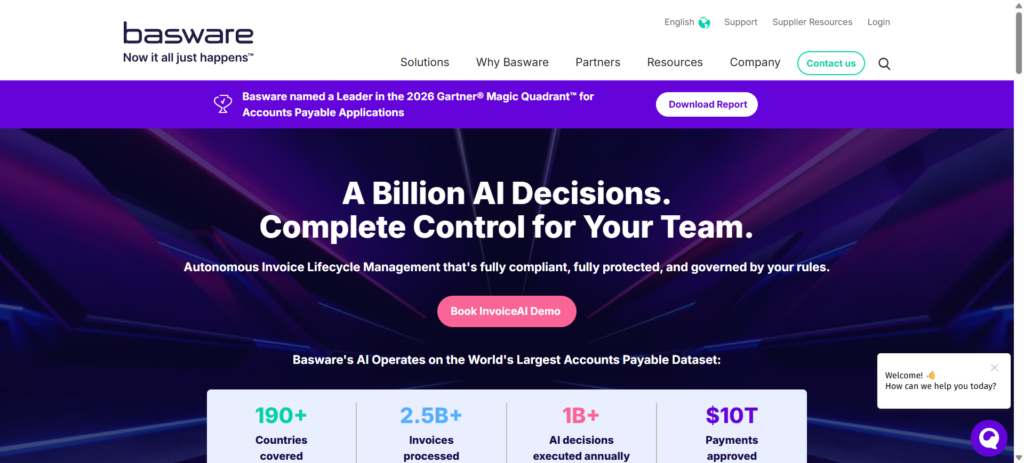
Built to process huge volumes of global invoices with complex validation rules across enterprise procurement networks.
Conclusion
Manual invoice processing is slow, expensive, and prone to errors. Implementing invoice automation gives finance departments total visibility over corporate spending while cutting operational costs by up to 80 percent.
By selecting the right software for invoice processing and following proven setup steps, your team can turn accounts payable from a tedious chore into a fast, accurate digital workflow.
What is invoice automation?
Invoice automation uses AI and OCR technology to capture, verify, and process vendor bills automatically without manual data entry.
How much cost can invoice automation save?
It cuts processing costs from 12 to 15 dollars down to under 3 dollars per bill, reducing total AP expenses by up to 80 percent.
Does invoice automation software integrate with existing accounting tools?
Yes, modern platforms connect directly with systems like QuickBooks, NetSuite, SAP, and Sage via prebuilt integrations or APIs.