How to Extract Text from Image: Tools, Methods, and Best Practices You Must Know
Introduction
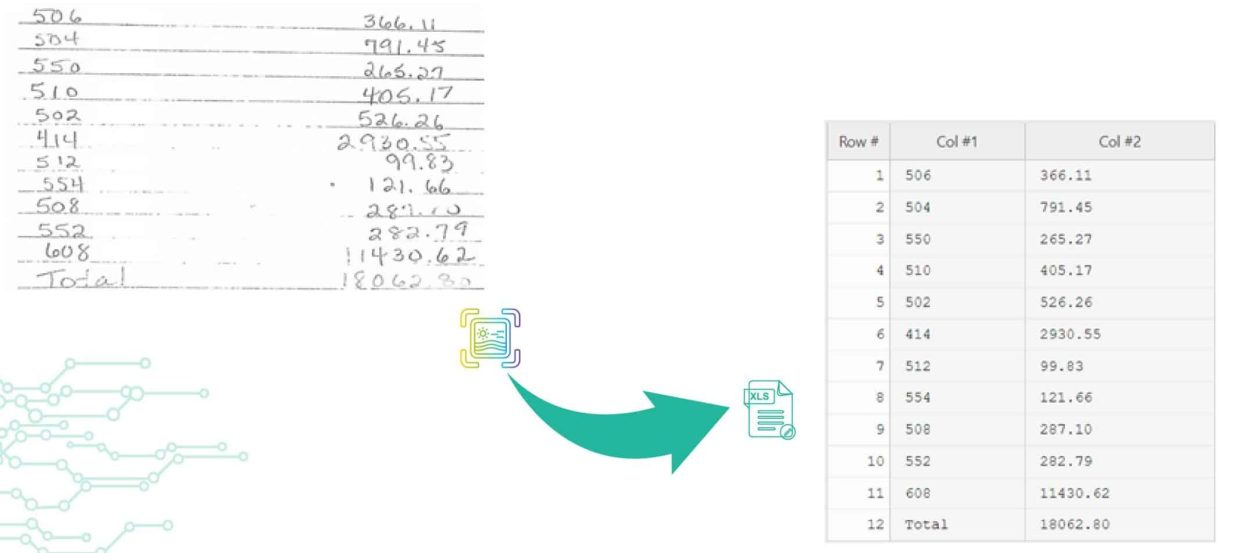
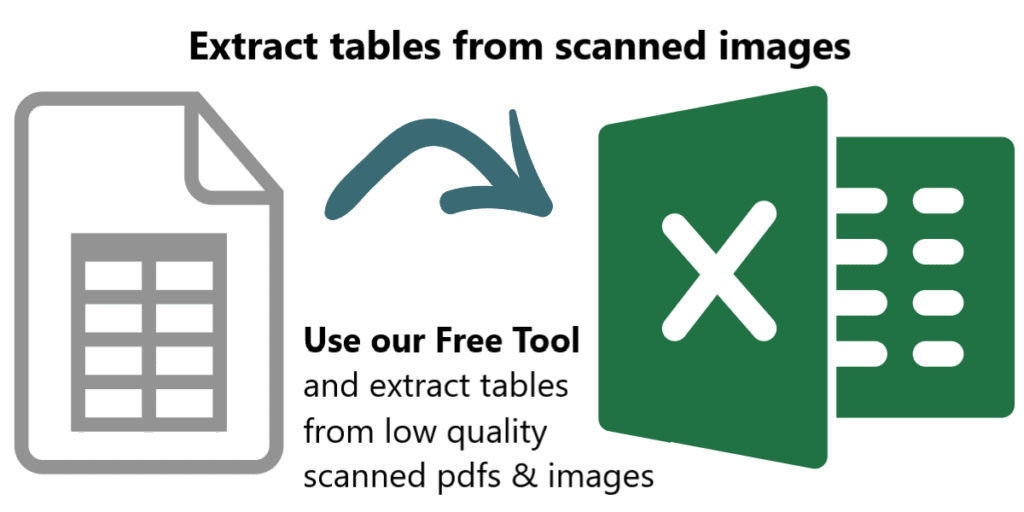
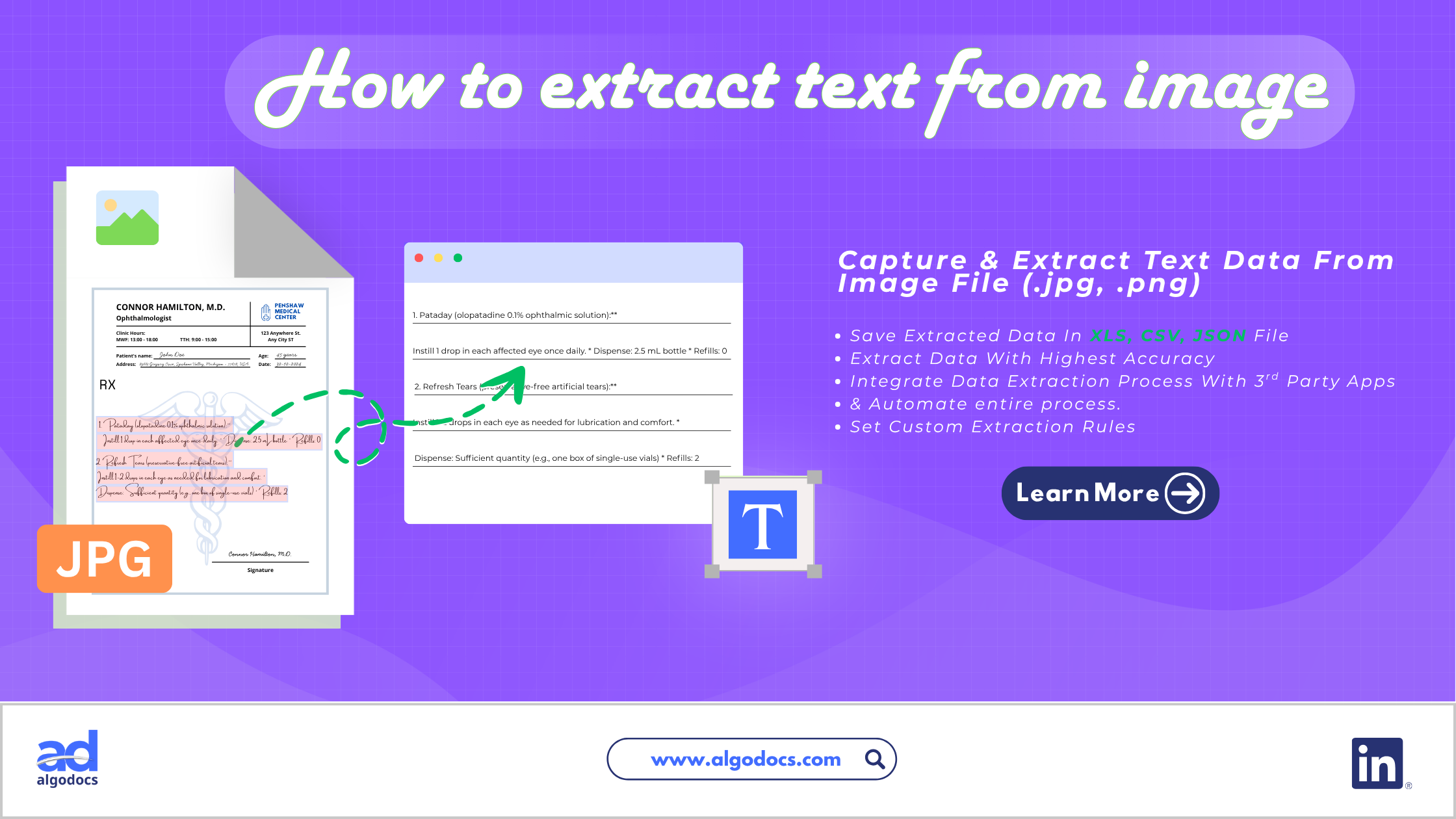
Text data can be carried through various types of document file extensions: a PDF, Word, or CSV, as well as an image. But when you need to extract text from image files, the process can get complicated fast, largely because of file complexity and how the text sits within the picture. That’s why so many people search for a reliable image text extractor: a tool that lets you pull text from image content quickly, whether you prefer an online text from image extractor or an offline desktop app. An image with text data is used in various business and personal settings. A business may receive a scanned invoice in image format that contains important financial data. A large business can also record keep old files by scanning paper documents as image PDF files to save physical space in an office. In this blog, we will discuss how to extract text from image files, the challenges involved, the best tools for the job, and other useful tips. But before we start, what exactly is image text data?
TL;DR Summary
Extracting text from image files means pulling readable text out of a picture, screenshot, or scanned document so it can be edited, searched, or stored digitally. You can do this manually or, more effectively, with an automated text extractor powered by OCR (Optical Character Recognition) or IDP (Intelligent Document Processing). Automated tools like Algodocs, Nanonets, Rossum, and Klippa let you extract data from image files with higher accuracy and speed than manual entry, especially for blurry, skewed, or complex documents. When choosing a picture text extractor, consider features, pricing, data privacy, and integrations.
What Is an Image with Text Data
An image with text data can be a screenshot or scanned copy of a document created as a .jpg or .png file format. You will also find scanned image text files in PDF format, which is very common in business settings. You may have a website opened on your cellphone and want to save some visible part of text or data, so you take a screenshot and it becomes a text image file. Similarly, you might take multiple screenshots of a website, or a preview of a file in your browser that you can’t save, but you still want that text data stored somewhere, so you take screenshots and turn those screenshots into a PDF, or simply keep them as they are to save the data on your computer.
Where the Image with Text Data Is Used
As discussed earlier, an image text file is used in various ways, from personal data keeping and sharing to sending data files as email attachments. Many organizations safekeep old records as scanned image text files. A vendor can send a handwritten invoice to a supplier via a scanned image email attachment. So the uses of image text data can be seen in many scenarios, which is why the ability to extract text from image files becomes more important.
Challenges with Image Text Data
One of the biggest challenges with image text extraction is the quality of the image and how visible the text and data are within the file. As you know, scanned image quality can be poor. Oftentimes, document quality and text visibility are hurdles for users or machines trying to capture the data from an image. Old, blurry documents are the most troublesome cases, where blurry, skewed fonts, broken page layouts, and torn images create the most trouble. Trying to pull text from image files like these often becomes nearly impossible. Even OCR based data extraction technologies struggle to understand, capture, and extract data from these types of image text documents.
Manual vs Automated Image Data Extraction
There are primarily two ways to extract data from an image: manually or through an automated method using OCR and IDP. Manual data extraction is prone to many errors, and its data accuracy is not reliable. Automated methods using technologies such as OCR, IDP, AI, and NLP offer higher data extraction accuracy, faster extraction speed, better control, and third-party automation, which makes them the preferred choice for anyone who needs to extract data from image files regularly.
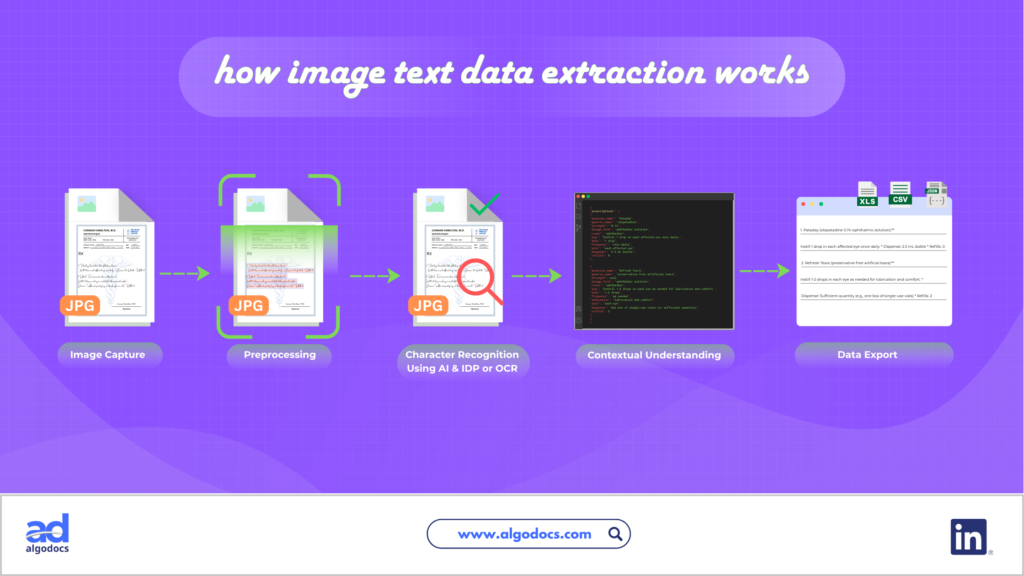
How Do You Pull Text from Image Files (Step by Step)
As discussed above, there are two primary methods of extracting text from an image. But using automated methods, such as AI based data extraction tools and OCR tools, gives you far better results than typing everything out by hand. We have previously covered this topic in another blog dedicated entirely to how to extract text from image files. You can read our blog on this for a detailed walkthrough.
Technologies Behind Image Text Extraction
One of the foundations of image data extraction is OCR technology, which has been around for many years and remains a common way to turn image into text. OCR is widely used for data extraction from many types of files and formats. Then came ICR, which was also useful, with a few updated features. But in recent times, a new technology emerged known as IDP (Intelligent Document Processing). IDP has taken the ability to extract text from picture files to a whole new level. IDP can extract text data from very poor, skewed, and blurry images, which was not possible with OCR and ICR alone. Since IDP uses machine learning and artificial intelligence to capture and extract data, this technology is highly effective for precision and faster text extraction.
Best Tools for Extracting Text from Image
There are many tools you will find on the internet to pull text from an image. The list is long, and we can only cover a few in this blog. But if you need an all in one AI based text from image extractor, then you should consider these image text extraction tools.
| Tool | Best For | Core Technology |
| Algodocs | Custom, prompt based data extraction from complex documents | IDP,AI and NLP |
| Nanonets | Enterprise and large scale businesses | OCR with built in AI |
| Rossum | Structured and unstructured document data | OCR and AI |
| Klippa (Doxis) | General document and picture text extraction | OCR |
| Image to Text | Simple, quick conversions | Template based OCR |
Algodocs
You can use the Algodocs AI data extraction tool to extract text from an image effortlessly. Algodocs offers custom extraction rules and a prompt-based data capture and extraction method to extract text from picture files of almost any layout. No matter what type of complex layout, blurry image, or broken and skewed font you have in the image document, Algodocs uses advanced NLP and AI to capture and process data from an image text file. Algodocs IDP can be used to extract data from PDFs, scanned documents, invoices, bills, passports, and other documents, making it one of the more versatile picture text extractor options available.
Nanonets
Nanonets is built for enterprise and largescale businesses that need to extract data from image files at volume. The technology behind Nanonets is OCR with built in AI, which is capable of extracting data from images with strong accuracy.
Rossum
Rossum can be used to extract data from PDFs, images, and other types of documents. It can extract structured and unstructured data from different types of documents using OCR and AI technology.
Klippa
Klippa, now known as Doxis, uses OCR technology to scan text from image files and extract it into usable formats. You can also extract data from other types of PDFs and other documents.
Image to Text
Image to Text is a simple, limited feature image to text converter. It’s a basic app for picture to text conversion that uses a template-based OCR method for data extraction.
Things to Consider Before Using an Image Text Extraction App
There are important points to consider before choosing a text extractor for your image text data. Some of the main factors are:
Features
Features are what make an image text extraction tool a great success. More modern, and easy to use features lead to more users liking the app. Always look for a tool that offers more essential features when you plan to read picture text at scale.
Price
Even if an image text extraction app has the best features, a higher pricing model makes it difficult for a user to use it due to cost restrictions. Balanced, multi-tier pricing models are best for general use. But if you are a large business that requires more credits, then customized and large plans are good.
Data Privacy
When you use an image text extraction or converter tool, the uploaded document is stored in the app’s system. Sensitive stored data can be hacked or accessed by unauthorized persons. This can lead to financial and personal loss. Make sure to choose an image text extraction platform that follows robust data privacy and security policies.
Integrations
Third party integrations are essential when it comes to connecting and automating the image text data extraction process. A business can store image text data in a CRM, ERP, or data cloud platform. Connecting a text extraction tool with other platforms makes data extraction, analysis, and data storage easy and effortless.
Best Practices For Extracting Text From Image
- Choose a text extractor built on IDP or AI based OCR when your documents are blurry, skewed, or handwritten.
- Test a tool’s accuracy on your own sample images before committing to a paid plan.
- Keep original image files as backups until you confirm the extracted text is correct.
- Use integrations to send extracted data directly into your CRM, ERP, or cloud storage.
Common Mistakes
- Relying only on basic, template-based OCR apps for complex or handwritten documents.
- Ignoring data privacy policies when uploading sensitive scanned files.
- Choosing a tool based on price alone without checking accuracy or support for your document types.
- Skipping a manual review step for high stakes documents like invoices or contracts.
Expert Tips
- For high volume needs, an enterprise grade tool like Nanonets or Rossum will save more time than a basic converter.
- If your documents vary widely in layout, prompt based extraction tools such as Algodocs handle that variability better than rigid, template based apps.
- Always check whether a tool supports the file types you work with most, including scanned PDFs, not just standard image formats.
Conclusion
Extracting text from an image might sound simple, but it is not. With the right image text extraction tool, you can not only save time and money, but the quality of your data also improves, which leads to higher growth for a business. Though choosing a suitable text extractor or picture text extractor might sound simple, in reality it’s a long process with many important steps. A reliable tool such as Algodocs can deliver great results at a very affordable cost. Make sure to research, check, and compare features, benefits, cost, data privacy, and other aspects before using a tool to extract text from image files.
Frequently Asked Questions (FAQ)
Key Takeaways
- Extracting text from image files is essential for businesses handling scanned invoices, records, and documents.
- Automated tools using OCR and IDP outperform manual data entry in accuracy and speed.
- Algodocs, Nanonets, Rossum, and Klippa are among the top tools to extract data from image files today.
- Evaluate any text extractor on features, price, data privacy, and integrations before committing.
What is the easiest way to extract text from image files?
The easiest way is to use an AI powered text extractor or OCR tool. Simply upload the image, and the tool will automatically pull text from image content and convert it into editable text.
Can I extract text from a picture for free?
Yes, many basic tools offer free or limited plans to extract text from picture files. However, free tools often struggle with poor quality, blurry, or handwritten documents, so a paid AI based tool is usually better for accuracy.