Data Parser Explained: How It Works & Why Your Business Needs One
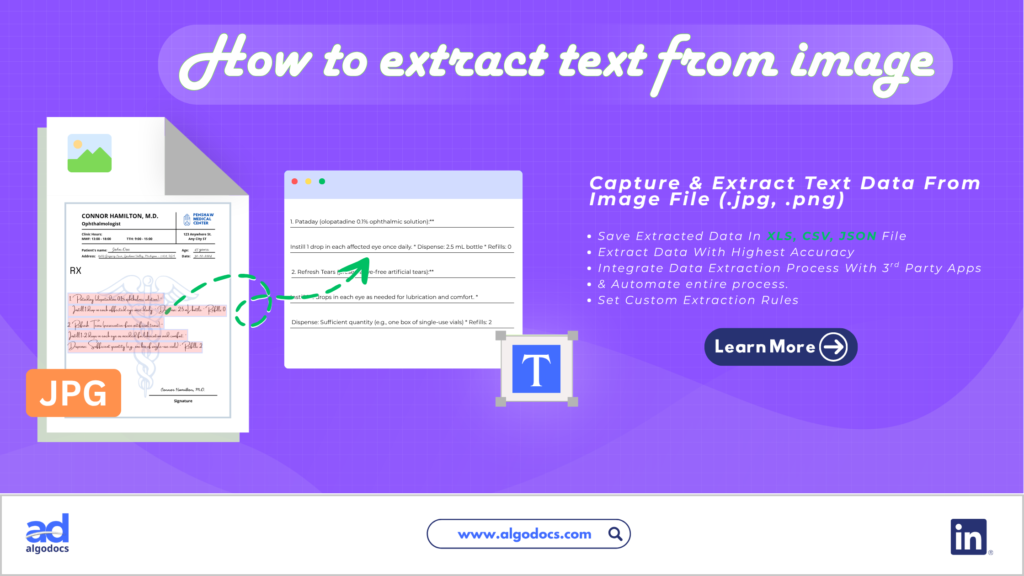
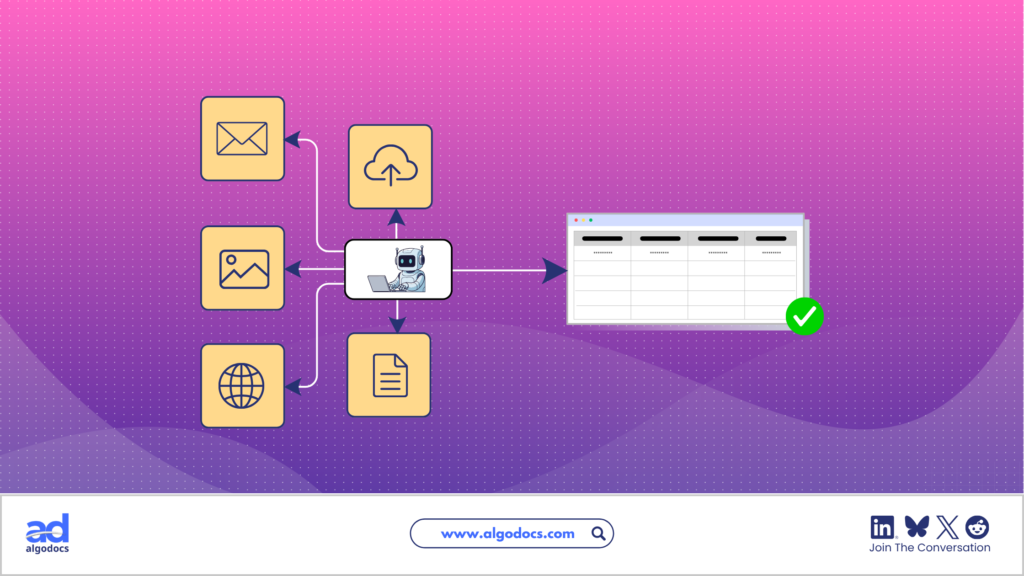
Back to Blog Table of contents On this page Data Parser Explained: How It Works & Why Your Business Needs One Home › Blog › Data Extraction › Data Parser Explained: How It Works & Why Your Business Needs One Categories Data Extraction Tags AI Data Extraction OCR Algodocs By Shubhankar Biswas Published September 17, 2026, 09:35 Most companies don’t have a data problem. They have a document problem. Invoices, purchase orders, bills of lading, and warehouse receipts still arrive as PDFs, scanned images, and occasionally handwritten paper. None of that is directly usable by an ERP, a WMS, or a BI dashboard. Someone has to read each document and retype the numbers, and every time a human retypes a number, there’s a real chance it comes out wrong. Published benchmarks put manual data entry error rates at roughly 1% to 5% of fields under normal conditions, and seminal by Professor Raymond Panko on human cognitive error in spreadsheets and documents has demonstrated that cell and field error probabilities routinely climb to 18–40% under time pressure, lack of validation, or with messy source material. A data parser is the software that removes that step. It reads a raw document, identifies the fields that matter, and outputs clean, structured data your systems can use immediately, with no retyping required. This guide explains what a data parser actually does, how it’s different from OCR and data extraction, the main parsing methods in use today, and how the technology plays out in a specific high-friction workflow: warehouse receipt data extraction. Real benchmarks and sources are cited throughout so you can verify the numbers yourself. TL;DR Summary Core Function: A data parser converts unstructured or semi-structured content (PDFs, scans, emails, web pages) into structured formats like JSON, CSV, or XML. Separation of Concerns: Parsing is distinct from OCR (which makes text machine-readable) and extraction (which pulls specific values). Most modern platforms combine all three. Human Error Risk: Manual data entry error rates typically run 1–5% of fields and can spike to 18–40% on complex documents, according to Panko’s human error research. Accuracy Leap: Modern AI-based parsers report 99–99.9% accuracy on structured fields in production, compared with roughly 80–85% real-world accuracy for legacy rule-based OCR. Cost & Time Savings: Automating extraction cuts per-document processing cost from an estimated $5–$25 down to roughly $2.88–$4 (a 60–80% reduction) and cuts processing time by 60–70%. Market Expansion: The intelligent document processing (IDP) market is growing fast: estimates benchmark the sector at ~$2.30 billion in 2024 according to Grand View Research and Precedence Research, climbing to over $10–$13 billion per Fortune Business Insights, with forecasts projecting a 25–34% CAGR through the early 2030s. High-ROI Use Case: Warehouse receipt data extraction removes manual re-keying from inventory reconciliation and prevents downstream shipping and ledger discrepancies. What Is a Data Parser? A data parser is a software or data parsing tool that extracts raw, unstructured data from websites, documents, multimedia, databases, and other sources. There is a difference between data extraction and data parsing. People often get confused between a data parser and a data extraction tool, but both are completely different. A data parser is specifically designed to extract data from various sources, particularly webpages, databases, and other sources such as website code, PDFs, images, videos, libraries, and other data sources. However, it does not convert this unstructured data into a structured data format. For example, a data parser can be used to extract data from an ecommerce website. Users can define the fields and rows, such as product prices, product descriptions, metadata, and other details, from the website and save the extracted data for later use in their work tasks. How Does a Data Parser Work? Most data parsers (rule-based, machine-learning-based, or hybrid) follow a similar four-stage pipeline: Step 1: Input and Document Classification The parser ingests a file: a PDF, scanned image, email, or web page. It typically classifies the document type first (invoice, bill of lading, warehouse receipt) because different document types need different extraction logic. Modern systems use trained classifiers for this step rather than relying on the user to tag every file manually. Step 2: Preprocessing Raw input is rarely clean. Scanned documents may be skewed, low-resolution, or faded; HTML pages are cluttered with navigation and ads. For scanned or photographed documents, optical character recognition (OCR) converts the image into machine-readable text at this stage. Preprocessing quality has an outsized effect on final accuracy: a blurry or skewed scan degrades every step that follows. Step 3: Parsing and Field Extraction This is where the actual interpretation happens, using one of three approaches: rule-based, machine-learning-based, or hybrid. The output of this step is a set of identified fields (supplier name, invoice number, line-item quantities) mapped to their values. Step 4: Structuring and Output The extracted fields are formatted into a structured output (JSON, CSV, XML, or a direct database write) and delivered to the target system, whether that’s an ERP, WMS, CRM, or analytics platform. A process that would take a person several minutes per document typically completes in seconds. Data Parsing vs. Data Extraction vs. OCR These three terms get used interchangeably, but they describe different jobs in the same pipeline. Term What It Does Analogy OCR Converts an image of text into machine-readable characters Turning a photograph of a page into typed text Data Extraction Locates and pulls out specific values from that text (a date, a total, a name) Underlining the important numbers on the page Data Parsing Interprets the structure of extracted content and organizes it into usable fields Filing those underlined numbers into the correct labeled boxes on a form In short: OCR makes text readable, extraction finds the data, and parsing gives that data structure. A complete intelligent document processing (IDP) system uses all three together, and most commercial platforms now bundle them into a single workflow. Types of Data Parsing Not every document needs the same parsing approach. The right method depends on how consistent your documents are. Rule-Based