Best Free AI Models for Document Processing in 2026: Ranked
The AI revolution has changed lots of things for us today, and data extraction is one of them. Previously, processing data from PDFs, images, and handwritten notes was difficult due to technological challenges. You needed to learn enterprise-level technologies to extract data from even a simple PDF document. But with the arrival of AI, things have changed drastically.
AI models have seen significant improvements in their document processing accuracy and OCR capabilities. Recent research has also explored how modern vision-language models can improve document understanding and information extraction from complex documents. Research on AI-based document processing highlights the rapid development of these capabilities and the growing role of AI in understanding and extracting information from documents. Many platforms now publish AI and OCR leaderboards featuring their own accuracy benchmarks to track which models are leading the document processing and OCR race.
What previously used to be a long and complex task can now be done by simply uploading a file and writing a few lines of a prompt. This might be easy for some people. But when it comes to processing a large amount of complex layout documents, where does AI stand? That is something we need to understand.
In this blog, we will discuss the best free AI models for document processing that anyone can use in 2026. We will also look at the pros and cons of commercially available AI models for document processing and how to use these AI models for document processing. But first, we need to understand what AI document processing is.
TL;DR
AI has made document processing much easier than it used to be. Today, you can upload PDFs, images, handwritten notes, and other documents to AI models and extract data using a simple prompt.
We tested several commercially available AI models using a handwritten invoice to see how well they could extract data from documents. The main findings are:
- ChatGPT: Easy to use and offers good data extraction accuracy.
- Gemini: Provides good extraction accuracy but may struggle with complex layouts.
- Claude: Can extract data accurately and keep it in a structured format, but may still miss some information.
- Grok: Can process PDFs, images, and handwritten notes but can struggle with complex layouts.
- DeepSeek: Offers good accuracy for PDFs, images, and handwritten notes and is free to use.
- Meta AI: Easy to use and free, but its extraction accuracy is less consistent.
- Mistral: Performs well with complex document layouts and has its own OCR capabilities.
For personal use, free AI models can be useful when you only need to process one or two documents. However, processing a large volume of documents requires better control, customization, and accuracy.
What is AI Document Processing?
AI document processing means using AI/ML-based tools to process unstructured data from PDFs, images, handwritten notes, and other document types and convert it into structured data. These AI models use machine learning and deep learning algorithms to understand the context of a document, capture the required information, and extract the data.
Users can use commercially available AI platforms such as ChatGPT, Gemini, or Claude to upload a document, write a prompt, and extract data from it.
But there are other document processing tools such as Algodocs, Nanonets, and Docsumo that also offer AI capabilities similar to commercial AI models for document processing. However, these AI data extraction tools go beyond basic data processing and can be used for complex data extraction and analysis tasks.
Best Free AI Models for Document Processing in 2026
The current market is inundated with AI platforms that you can use to process data from various types of documents. You have commercial AI/ML tools, and then there are open-source data processing tools as well. Some tools run on browsers or desktops, while some can be run locally on your own servers.
We have tried 6 commercially available AI models to extract data from documents. We used the free version of each tool with simple prompt instructions such as “extract data from this document” to see how accurately these tools can process data from a document.
For this experiment, we used a handwritten invoice to see how well each AI model could process and extract the data. So, here are the best free AI models you can use for document processing in 2026.
ChatGPT by OpenAI
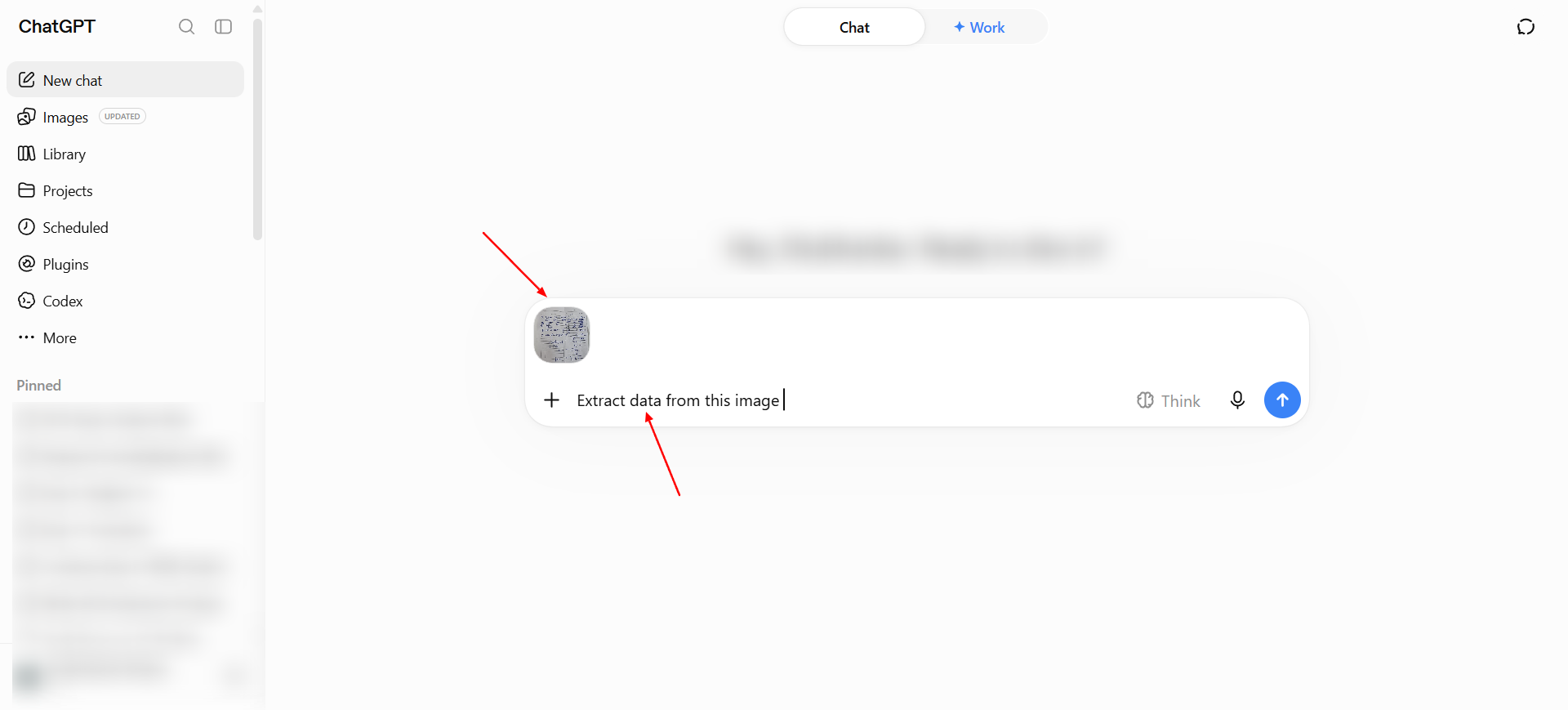
We all know what ChatGPT is and what it can do. But ChatGPT is also a great AI model for document processing. It is easy to use, and its accuracy is great. To extract data from a document with ChatGPT, all you need to do is upload the file and write your prompt.
Once you hit enter, ChatGPT will start extracting the data. You can then copy the extracted data into a file such as a .doc or .excel file and save it.
Pros.
The biggest pro of ChatGPT is that it is easy to use and the data extraction accuracy is very good. You can tell it which field you want to extract, and it will capture and extract the required information.
Cons.
You need a monthly Pro plan subscription to use better models.
Price: $20 USD Per month.
Free Plan: Yes Available
Gemini
Google's flagship AI model is a great AI tool for data extraction. One of the reasons to try Gemini for document processing is because Google has developed its own OCR model, which uses AI to extract data from documents.
Gemini uses Google's OCR engine for data extraction alongside AI. You can extract data from a document simply by uploading the file and writing your prompt. Once you hit enter, it will start extracting the data.
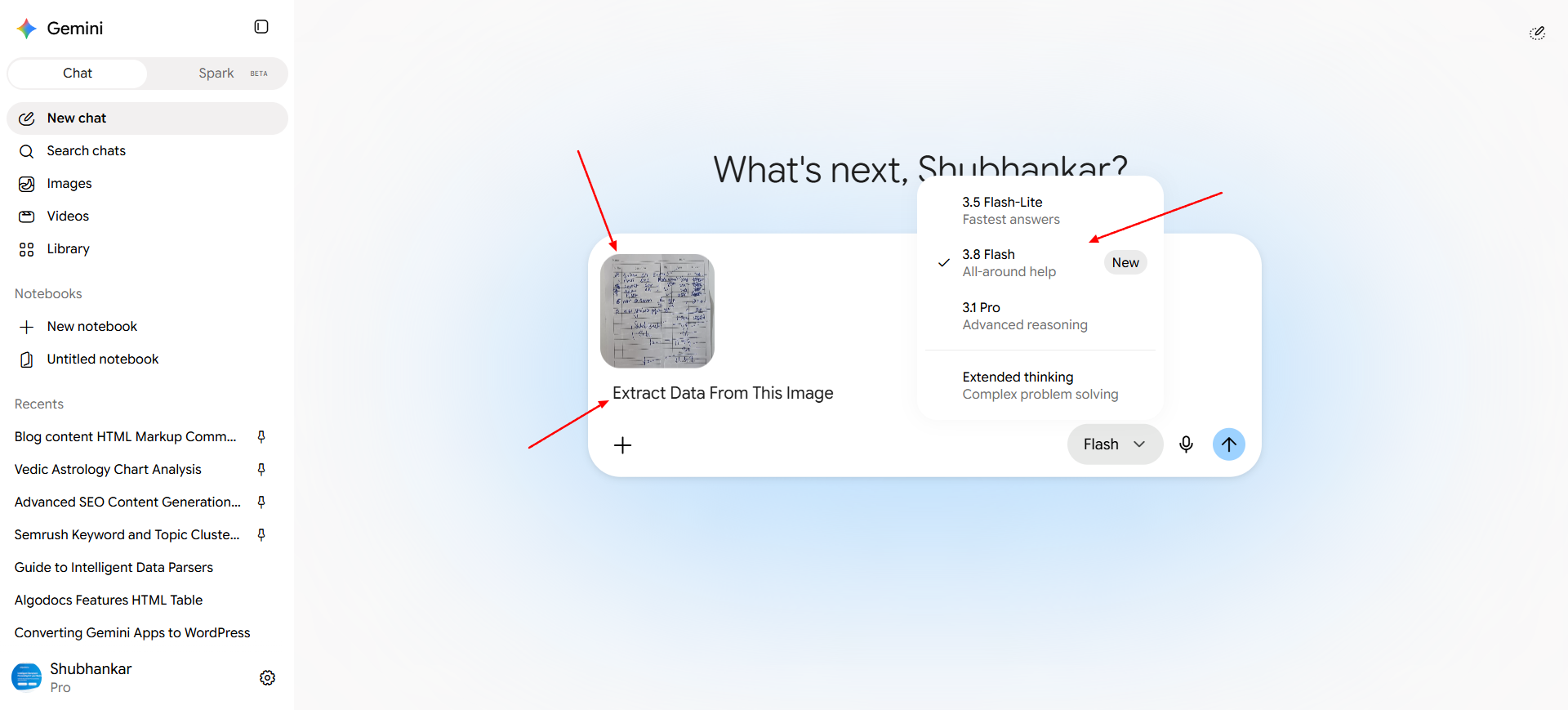
You can copy the data into a file such as a .doc or .excel file. You can also ask Google to generate an Excel or other file format to save the data, which you can later download and save on your local device.
Pros.
Great data extraction accuracy and easy to use.
Cons.
May hallucinate sometimes with complex document layouts. Requires a Pro plan subscription to use better models.
Price: Starting at $ 4.99USD per month to $19.99USD per month depending upon the models.
Free Plan: Yes Available
Claude
Anthropic's Claude is a great AI tool for executing complex tasks such as writing code, analyzing and summarizing documents. You can also use it to extract data from various types of documents.
To use Claude for document processing, you simply upload the file and write your prompt. Once you hit enter, it will start extracting the data.
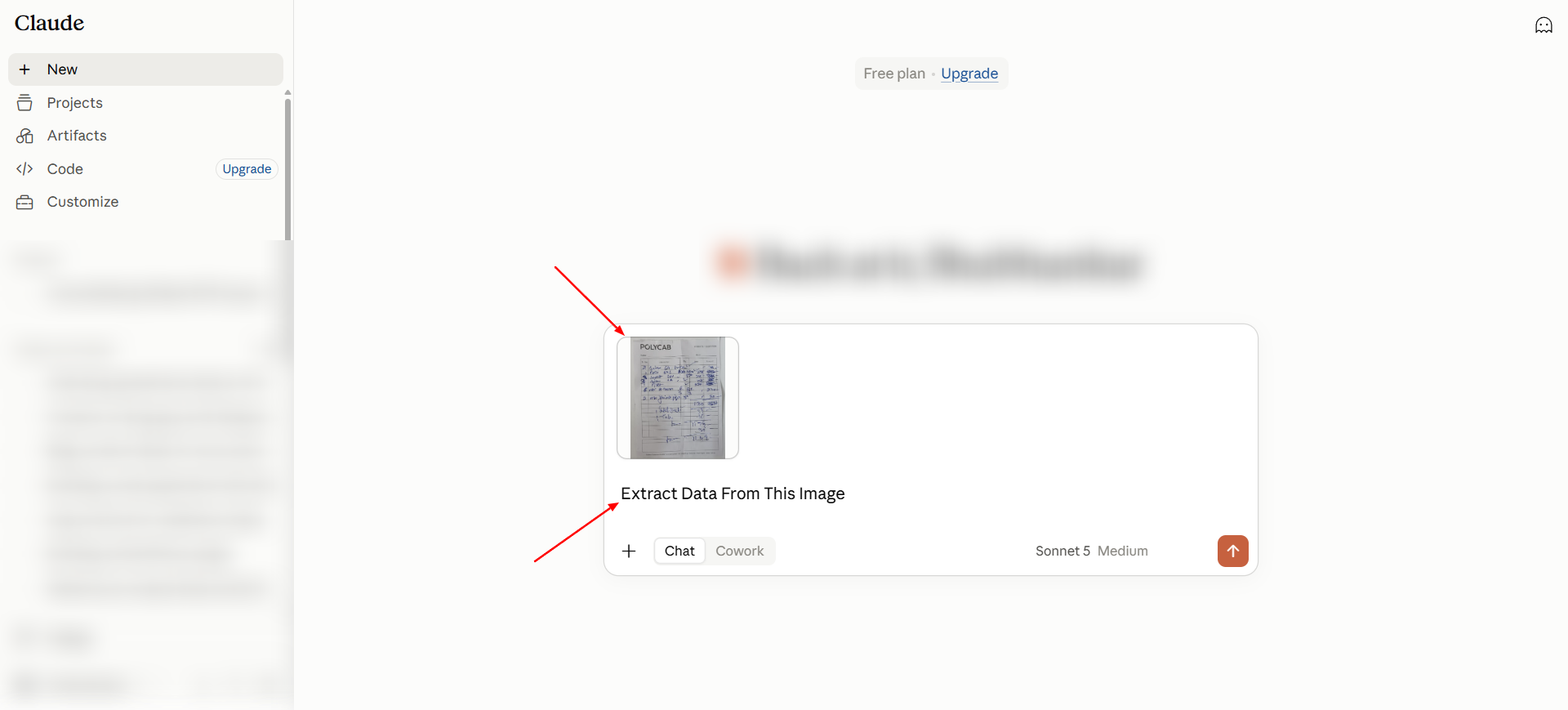
You can copy and paste the extracted data into a .doc or Excel file. You can also ask Claude to provide the extracted data in an Excel or CSV file, which you can download and save on your system.
Pros.
Claude can extract data with great accuracy while keeping the data in a structured format.
Cons.
It still misses lots of data from documents, which makes it less reliable as an AI document processing tool. A Pro version is required to unlock the better models.
Price: Starting at $20USD per month.
Free Plan: Yes Available
Grok
Grok is a great multipurpose AI tool for researching data, creating visual media, and processing data from images and other files. You can process data with these easy steps.
First, upload the file and write your prompt. Once you hit enter, it will start extracting the data.
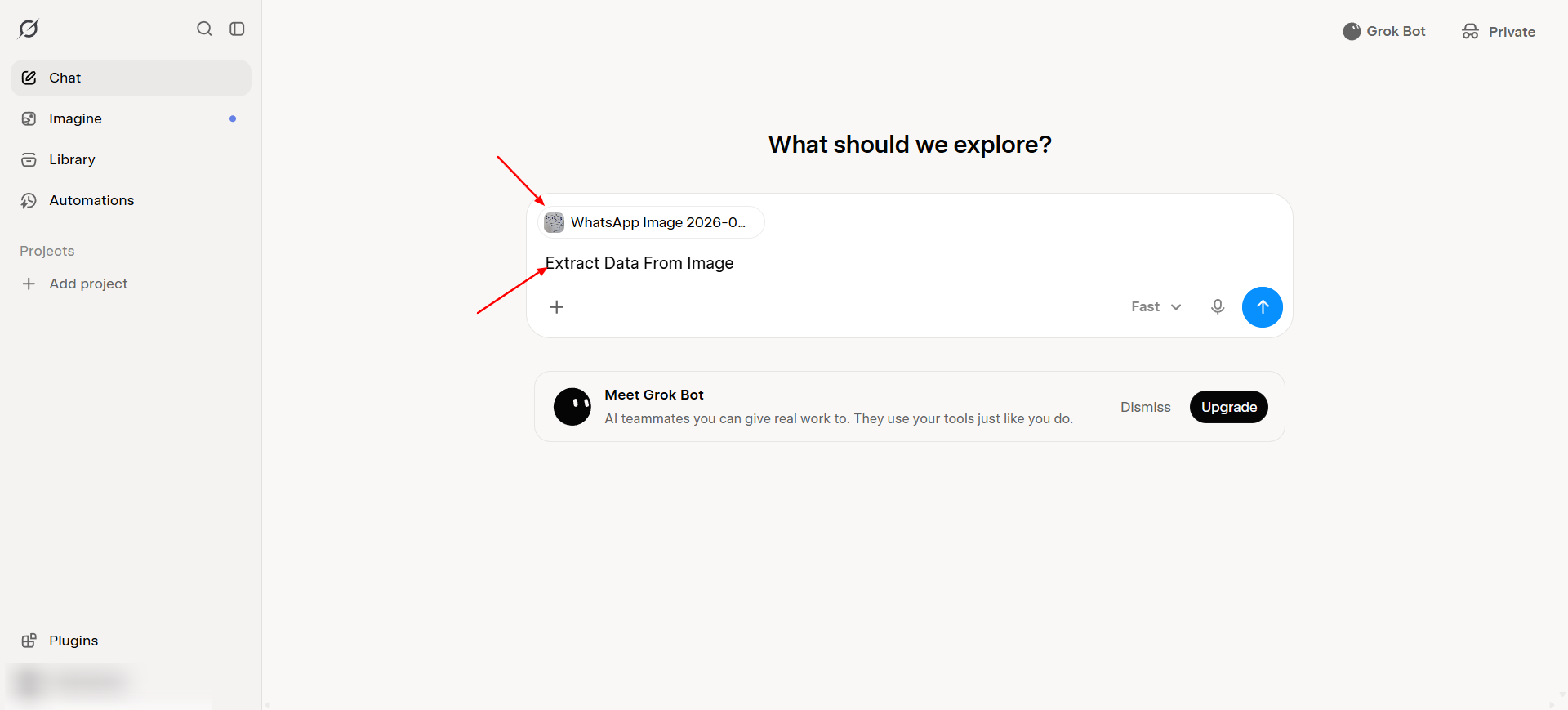
You can then copy and paste the extracted data into an external file and save it. Once you do this, you have your extracted data ready.
Supported Document Types:
PDF, Image, Handwritten notes images & Others.
Pros.
Average data extraction accuracy, and Grok can extract data from handwritten invoice notes, PDFs, and other documents.
Cons.
Great accuracy, but it still struggles with complex layouts and specific document types. A Pro version subscription is required to use better features.
Price: Starting at $30USD per month.
Free Plan: Yes Available
DeepSeek
The Chinese AI giant, which has given close competition to major commercial models such as OpenAI, Google, and Anthropic, is a high-accuracy AI model. DeepSeek OCR, its native OCR functionality, makes DeepSeek a great choice for data processing.
You can simply upload the file and write your prompt. Once you hit enter, it will start extracting the data.
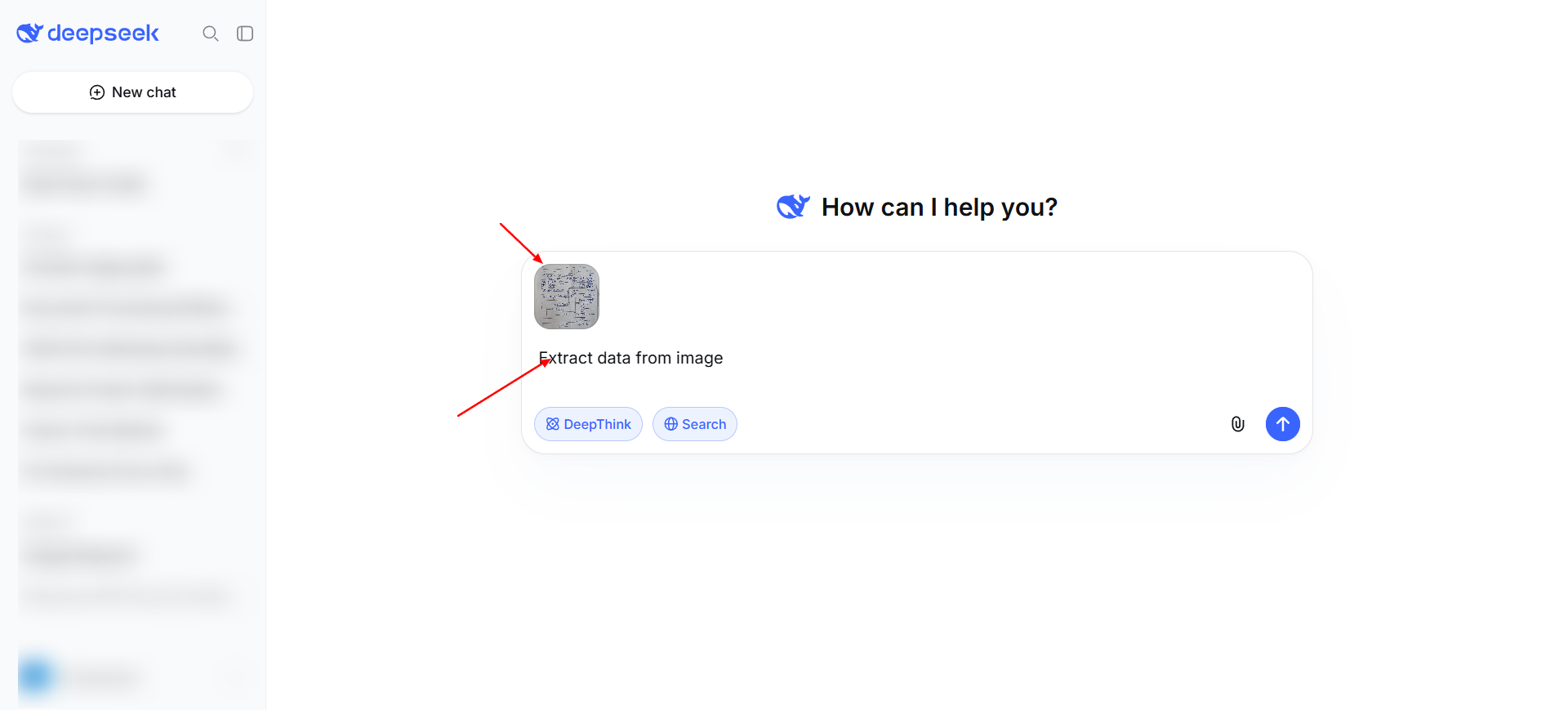
You can then copy and paste the extracted data from the chat into an Excel or other file format and save it.
Pros.
DeepSeek is highly accurate when it comes to processing and capturing data from PDFs, images, and handwritten notes. It is free to use, so you don't need to pay anything to extract data.
Cons.
Even if it has good accuracy, it sometimes struggles with skewed fonts and complex layouts.
Price: You can use Deepseek chat version unlimited for free. But APIs are paid.
Free Plan: Yes Available, chat version is completely free.
Meta
Facebook's Meta AI is a decent general-purpose AI model, but Meta AI's accuracy has always been very inconsistent, as it has rarely competed with other AI models available in the market.
To extract data from an image, you need to upload the file and write your prompt. Once you hit enter, it will start extracting the data.
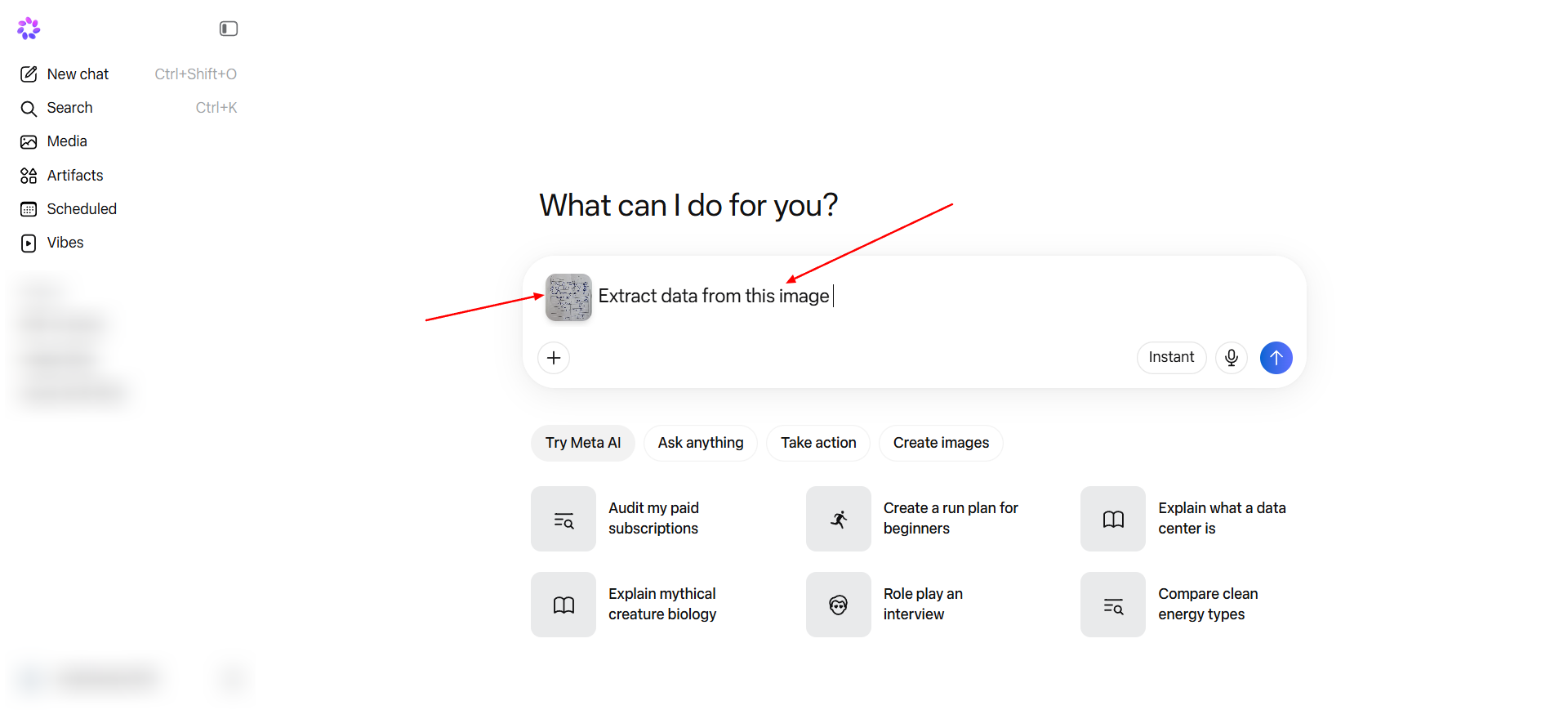
You can then copy and paste the extracted data into an external file and save it on your local machine.
Pros.
It is easy to use and completely free, and you can use other features of AI models such as image generation, etc.
Cons.
The data extraction accuracy is not great and it fails to extract data from complex layouts and blurred images.
Price: You can use Meta AI chat version unlimited for free. But the meta one bundle costs $7.99USD per month which comes with higher usages limits.
Free Plan: Yes Available, chat version is completely free.
Mistral
People know very little about Mistral AI, but all we can say is that Mistral sets a new benchmark when it comes to OCR and document processing. Mistral has its own OCR model, and it can process data from basic to complex document layouts.
To extract data using Mistral AI, you need to upload the file and write your prompt. Once you hit enter, it will start extracting the data.
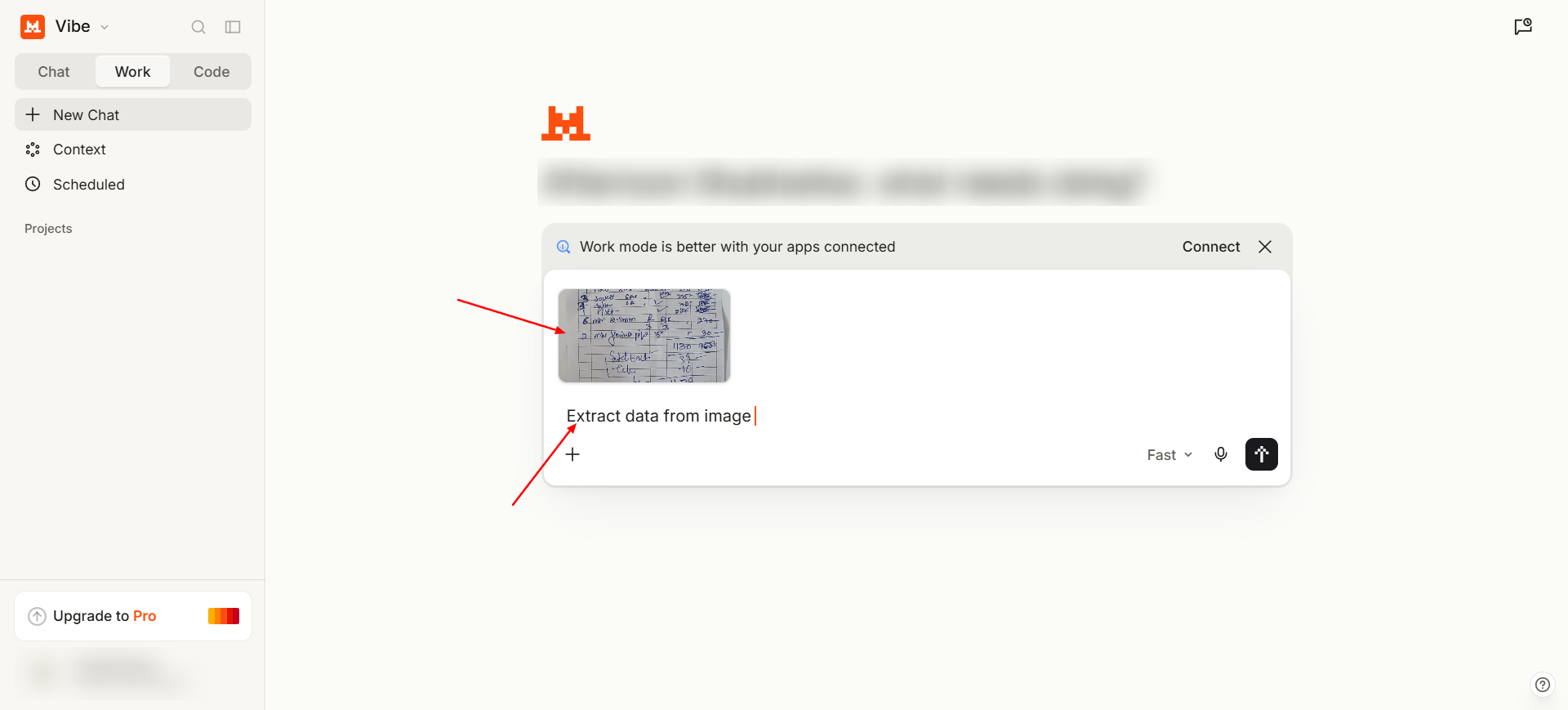 You can then copy and paste the extracted data into an Excel, .doc, or other file and save it on your local machine.
Pros.
Highly accurate when it comes to extracting data from complex layouts.
Cons.
Can hallucinate with some types of complex layouts. To use better models, you need to pay an amount.
Price: Paid plan starts at $14.99USD per month.
Free Plan: Yes, Free plan available
Conclusion
Currently, there are many AI models available in the market that can be used for document processing. Some of these models are freely available, while some require a subscription to get the best features.
Platforms such as ChatGPT, Gemini, DeepSeek, and Mistral have high document processing accuracy when it comes to extracting data from documents. But they still cannot compete with native data extraction tools such as Algodocs, Docsumo, ABBYY, and others when it comes to features, customization, and document contextual understanding.
For personal use, you can use free AI models for document processing when you are only extracting data from a single or maybe two files. But if you want to process and extract data from a large volume of documents with proper control and accuracy, you should choose a proper AI data extraction tool.
Key Takeaways
AI models have made document processing much easier. You can now upload a document, write a simple prompt, and extract the required data without using complex technologies.
The main things to remember from this comparison are:
- AI can process different document types: Modern AI models can extract data from PDFs, images, handwritten notes, and other documents.
- Accuracy depends on the document: Simple documents are generally easier to process, while complex layouts, skewed fonts, blurred images, and handwritten data can still cause problems.
- Free models are useful for small tasks: If you only need to extract data from one or two documents, a free AI model can be enough.
- Different AI models have different strengths: Some models perform better with handwritten documents, while others are better at handling complex layouts.
- Large-scale processing needs dedicated tools: When you need to process a large volume of documents, dedicated AI data extraction tools can provide better control, customization, and document understanding.
- General AI models are not the same as dedicated extraction tools: Platforms such as ChatGPT, Gemini, DeepSeek, and Mistral can process documents, but dedicated tools such as Algodocs, Docsumo, and ABBYY provide features designed specifically for document extraction.