
Mastering AI Data Extraction: A Comprehensive Guide to Unlocking Valuable Insights
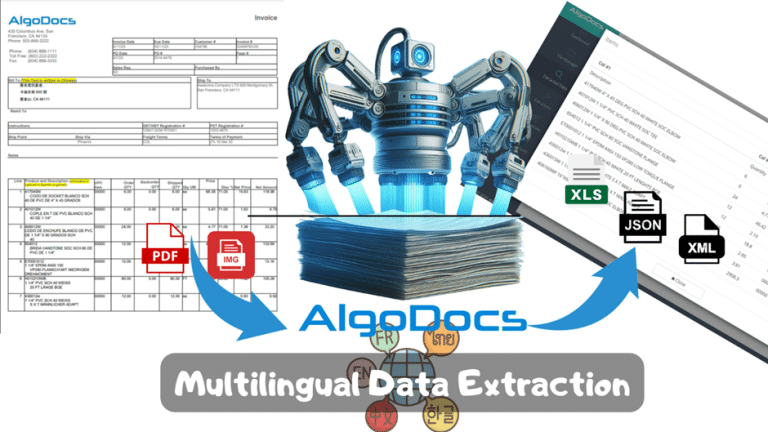
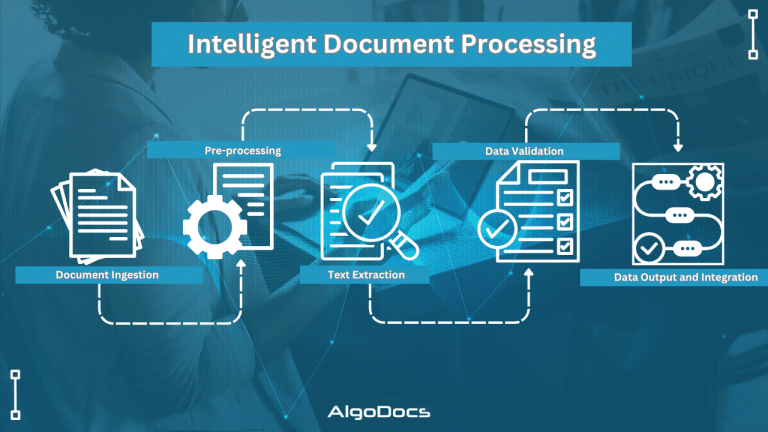
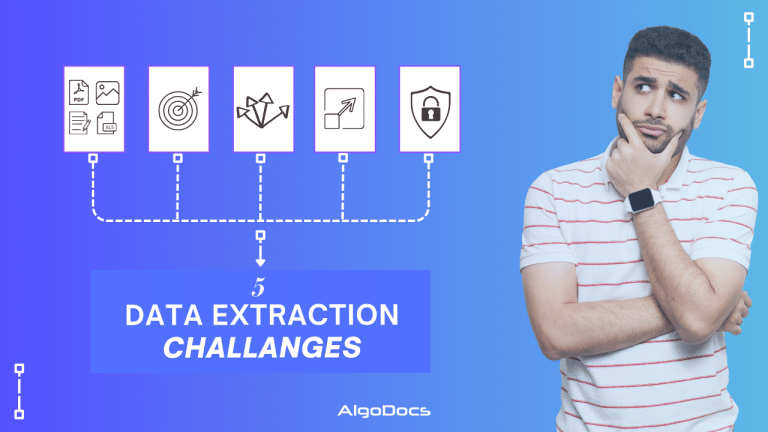
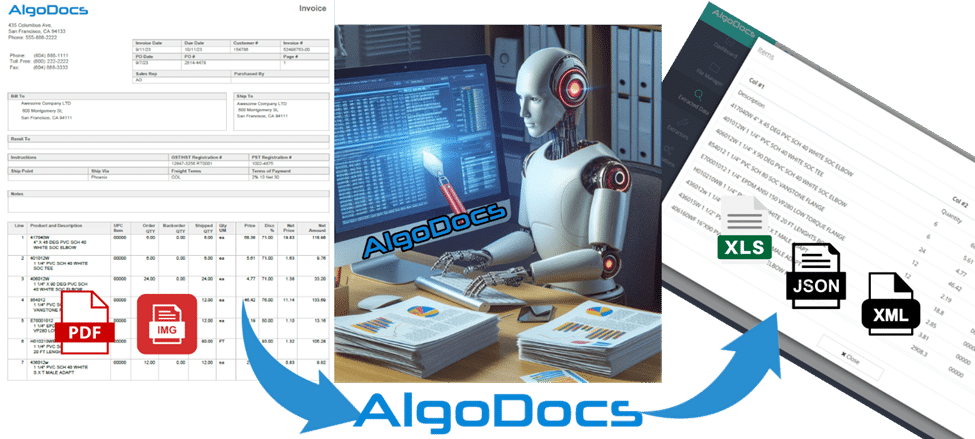
Back to Blog Table of contents On this page Mastering AI Data Extraction: A Comprehensive Guide to Unlocking Valuable Insights Home › Blog › Data Extraction › Mastering AI Data Extraction: A Comprehensive Guide to Unlocking Valuable Insights Categories Data Extraction Tags data extraction web-based ai platform for data extraction By Shubhankar Biswas Published October 13, 2025, 09:14 Updated July 20, 2026, 04:44 What is AI Data Extraction? According to a Forbes 2024 study, 2.5 quintillion bytes of data are generated every single day. By 2025, this figure is expected to balloon to 463 exabytes daily [1]. Businesses and individuals alike are drowning in a sea of information. Deriving insights from this raw data is no longer a luxury—it’s a necessity. Manually extracting data from documents like scanned files, PDFs, and images is incredibly time-consuming and error-prone. This is where data extraction tools steps in. Think of AI data extraction as having a genius robot at your disposal. It can sift through mountains of documents, read and understand their content, and then pinpoint and extract the information you need. Whether it’s text, tables, marks, or signatures, the AI understands your requirements and delivers the results in a flash. This powerful combination of machine learning and natural language processing is revolutionizing the way businesses manage data. Imagine the time and energy you could save by automating this tedious task. Let’s explore how AI data extraction works and the benefits it can bring. Understanding the AI Data Extraction Process So, how does this AI magic actually happen? Let’s break it down. You start by providing the data extraction tool with your own documents, whether they are scanned papers, PDFs, or images. This is where the technology starts its work. That data is fed to the AI using Optical character recognition (OCR), which converts all those uneditable formats(images) into text that AI can understand. But it doesn’t stop there. Natural language processing (NLP) now takes over, enabling the AI model to grasp the meaning behind its own words. It is somewhat like teaching a computer to read, think, and speak like a human–but faster! Here’s where true cleverness lies. Whether you are looking for names, dates, or addresses, the AI will look for the specifics. It can even handle complicated data structures like tables and handwritten; it’s like having a digital assistant that can accurately extract the exact data you need. Once your required data is extracted and transformed into a structured format, it is ready for analysis or integration within your systems, such as a CSV file, an Excel spreadsheet, or even directly into your CRM / accounting software. Benefits of AI Data Extraction Why is AI Data Extraction Essential for Your Business? Let us imagine the following: We can spend less time on data entry and more time unraveling insights. That is the magic of AI data extraction. It can even automate this time-consuming process, freeing up human resources to work on the more important and critical tasks—making informed decisions. AI data extraction is your business superpower. It increases productivity by processing a large amount of data in shorter intervals and with greater accuracy. Humans make mistakes and are inconsistent! Armed with accurate extracted data, you will be able to uncover new patterns and trends that may significantly impact your business. In other words, AI data extraction gives companies in industries—finance, healthcare, and any industry that depends on information to operate their business—that leverage big data an efficient way of automating boring tasks while speeding up processes geared at accelerating growth rate. This is not only a question of saving time and money but rather allowing your data to fulfill its potential. Challenges and Considerations Overcoming AI Data Extraction Challenges AI data extraction might be very powerful, but that does not mean that we will not face some challenges. One of the primary challenges in AI data extraction is handling inconsistent data formats. Documents vary in layout, font, and structure, which can pose difficulties for AI data extraction systems. Additionally, extracting handwriting from scanned files can be a tricky puzzle, especially if the handwriting is messy or illegible. But fear not! With the right automated data extraction tool, we can easily overcome such problems. Advanced data extraction tools like Algodocs are equipped to handle these challenges. Algodocs employs sophisticated algorithms and machine learning models that can adapt to diverse document types and decipher even the most challenging handwriting. Data Preparation: The Key to Accuracy The accuracy of any data extraction model hinges on the quality of the input data. Data cleaning and normalization—removing errors, inconsistencies, and irrelevant information—are crucial steps in ensuring optimal results. Here, Algodocs allows users to optionally fine-tune (train) the model on their specific document types for enhanced accuracy. Ethical Considerations in AI Data Extraction Like any computer-based technology, AI-automated data extraction has raised some ethical questions. Privacy is a major concern in handling data responsibly, and following regulations is essential. Keeping crucial data secure is an utmost priority. Bias is another ethical consideration. AI models learn from data; any biases in the training set can lead to biased output. You should implement some important steps to avoid those biases. Algodocs takes the integrity of your data very seriously. They are ISO 27001 (Information Security Management System) and ISO 9001 (Quality Management System) certified and GDPR ready. Furthermore, Algodocs models are trained on diverse and representative datasets to ensure fairness and equity in the data extraction process. AI Data Extraction Tools and Platforms Choosing the right AI data extraction tool is crucial for your success. Due to the numerous alternatives available, it may be difficult to find the best fit. However, the following factors should get immediate attention: the kind of documents you deal with, accuracy, availability, the complexity of the data, the price, and the desired level of customization. A number of tools are designed for specialized applications, while others offer a more general approach. Algodocs: Your Trusted AI Data Extraction Partner Algodocs is one of the best AI